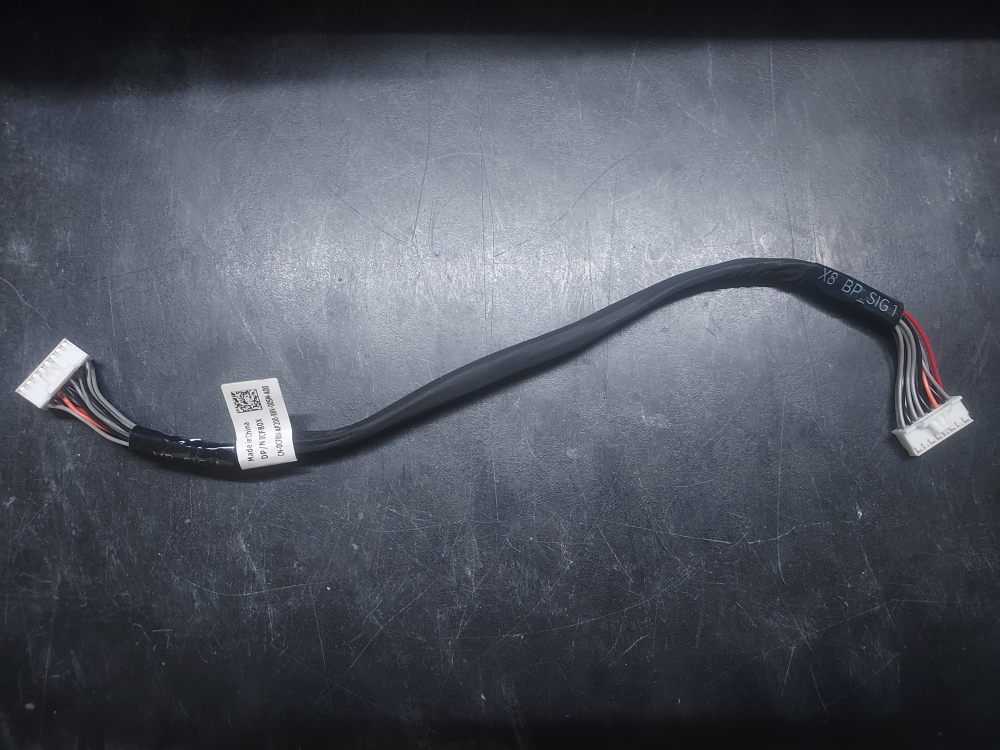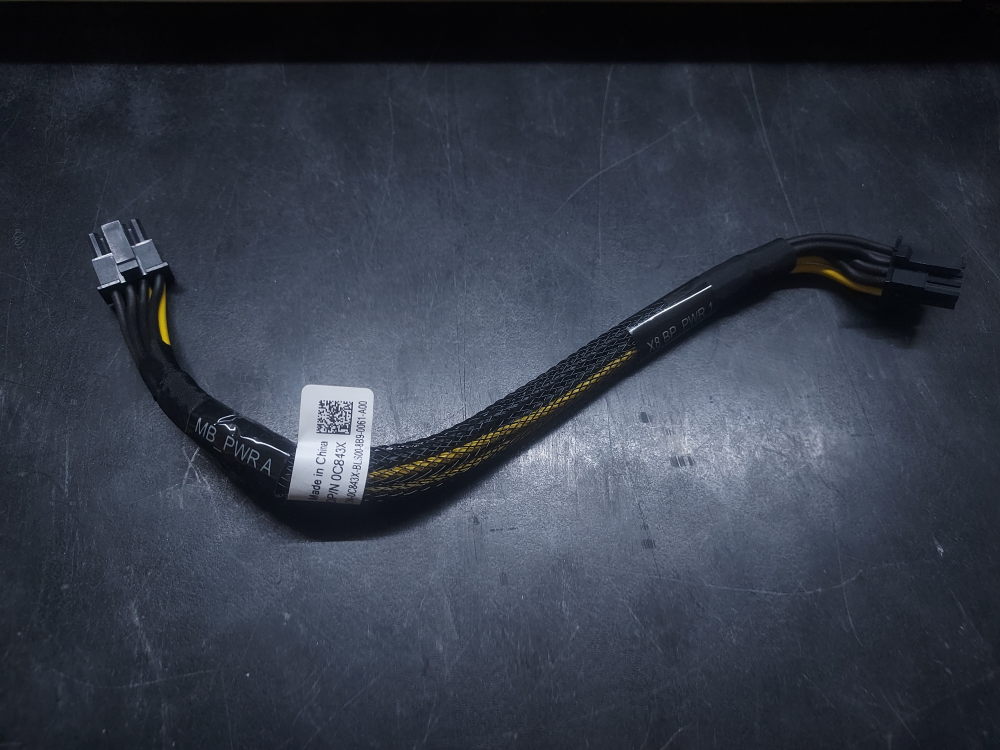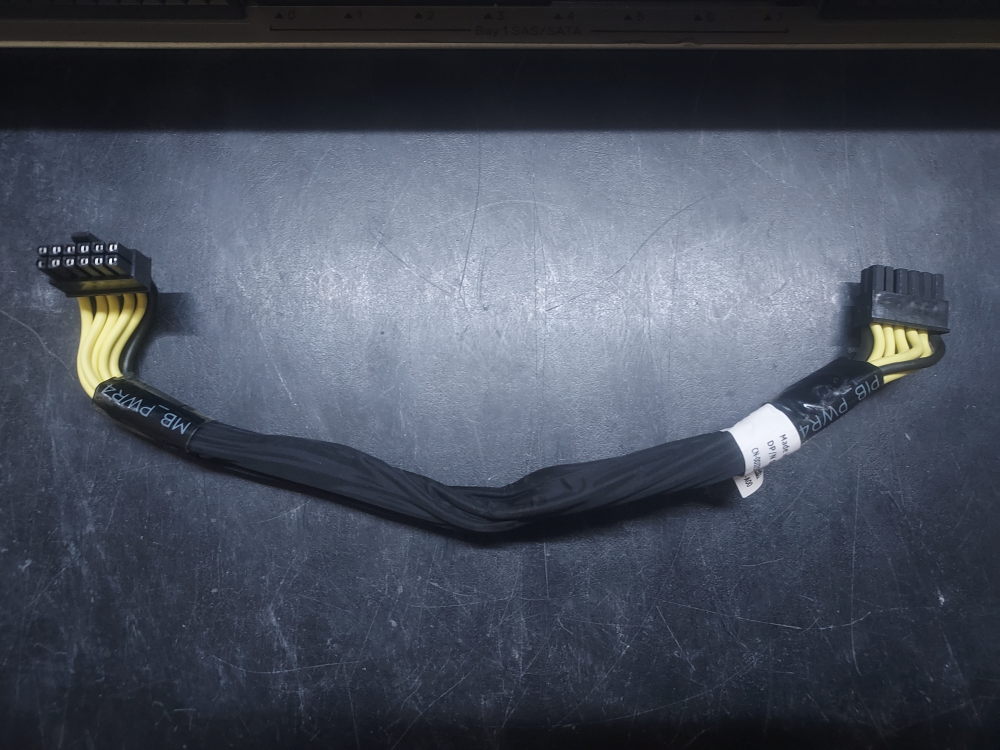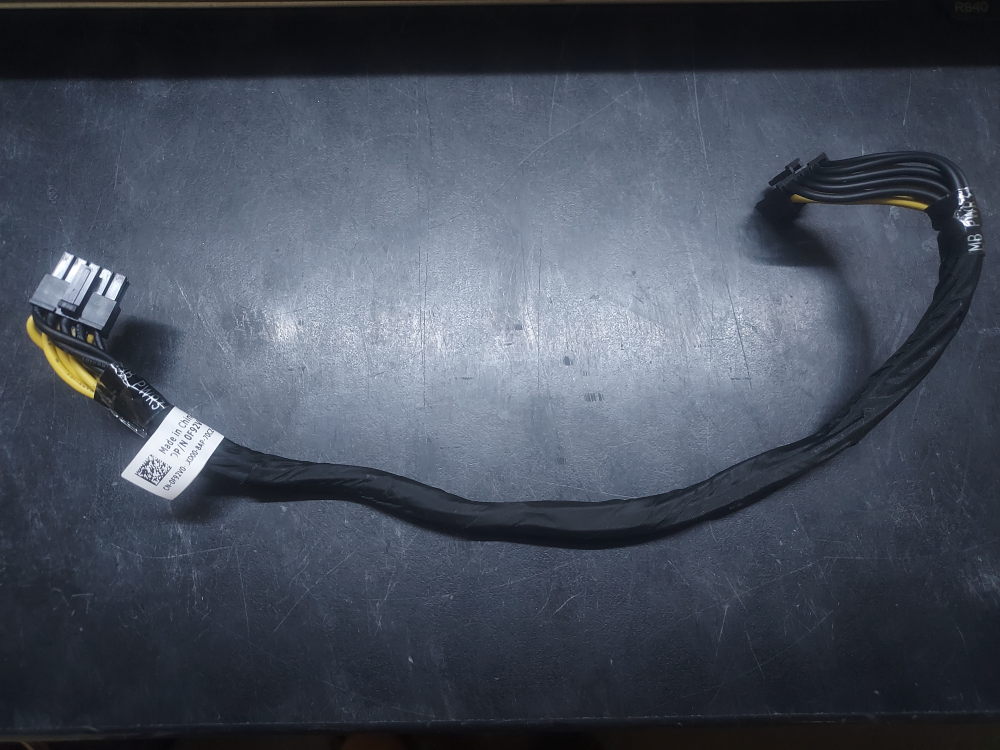
Part Category: Cables

  • R640 Backplane Power Cable 0GWW87

    R640 Backplane Power Cable 0GWW87

    This is the power cable for the backplane on the R640. One end plugs into the backplane and is routed to the rear left of the server to the JBP_1 connector as shown below:

    Cable plugs into JBP1

  • R640 10 Bay Expansion Board Power Cable 04RN89

    R640 10 Bay Expansion Board Power Cable 04RN89

    On the R640 10 bay is an expansion board that sits in front of the backplane. This is the power cable that routes from the expansion board to the left rear of the chassis. It plugs into the J_BP2 power connector.

    Installation:

    On the cable itself is an end labeled EXP. This plugs into the expansion board. The other end plugs into the J_BP2 connector as show below. Connector is right below J_BP1. Note, cable not shown. Only the connector.

    Cable plugs into JBP2

  • R540 8 Bay PCIe RAID Cable 0498VF

    R540 8 Bay PCIe RAID Cable 0498VF

    PCIe RAID cable compatible with the R540 8 Bay LFF server. Cable has just enough length to reach the R540 internal riser designed for a PCIe RAID controller.

  • R640 NVME Cable A1/B1 0TXC4H

    R640 NVME Cable A1/B1 0TXC4H

    These cables supply PCIe connectivity for NVME drives on the R640 10 Bay server. They enable NVME on drive bays 2 – 5. One end connects to the backplane on ports A1/B1. The other end terminates at the rear of the chassis on ports M1/M2.

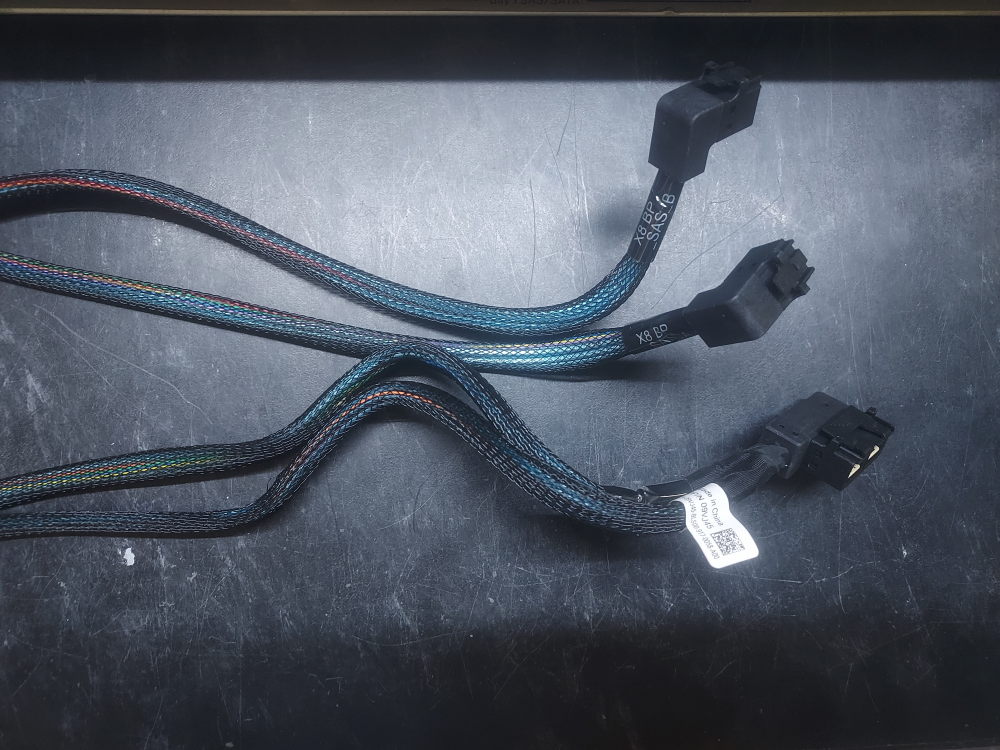
  • Dell PowerEdge R640 10 Bay PERC Cable 08Y2C8

    Dell PowerEdge R640 10 Bay PERC Cable 08Y2C8

    PERC cable for the R640 10 Bay. It connects to the backplane and then terminates at one of Dells Mini Mono RAID controllers.

    Installation:

    Here it is installed in the server. It routes along the right side of the chassis and has just enough length to reach the mini mono controller (mini mono RAID not pictured):