You may run into a case where a G9 server fails to boot into the HP Smart Storage Administrator. In my case the server would freeze here after hitting enter.
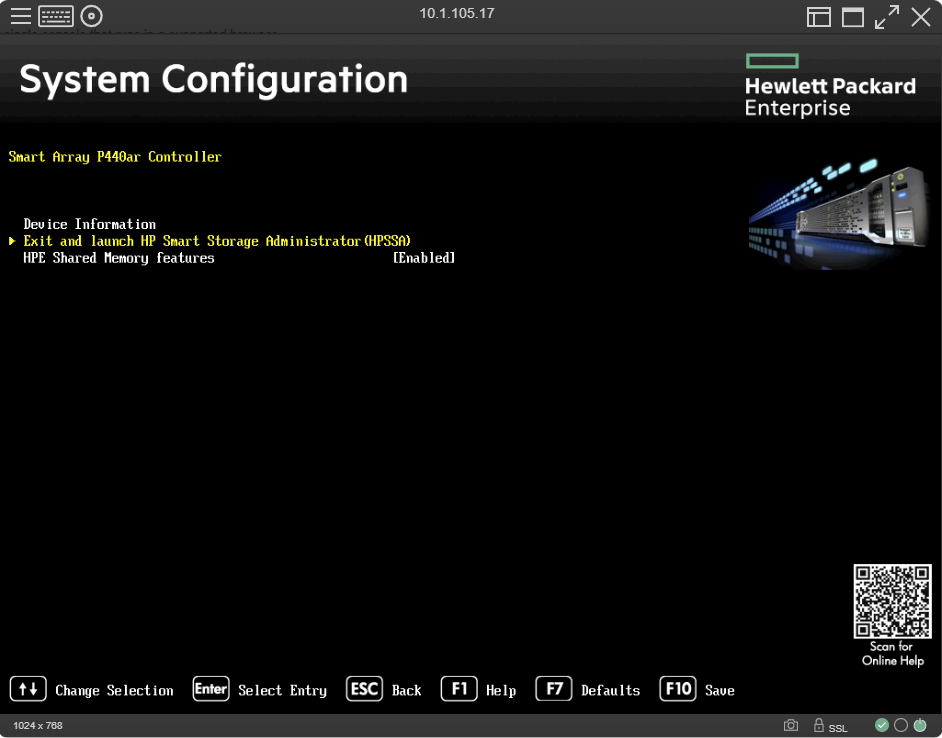
It’s not actually frozen but hitting enter does nothing and your only recourse is to just reboot the server.
Beyond that you may also notice Intelligent Provisioning appears to be completely borked. And most of the time this is the case.
The resolution is to simply reinstall Intelligent Provisioning. Start by downloading a copy here.
The file will come in an ISO format. Turn this into a bootable USB or alternatively just boot from it using the remote console in iLO. If you have difficulties making the USB I find booting it from the virtual KVM almost always works.
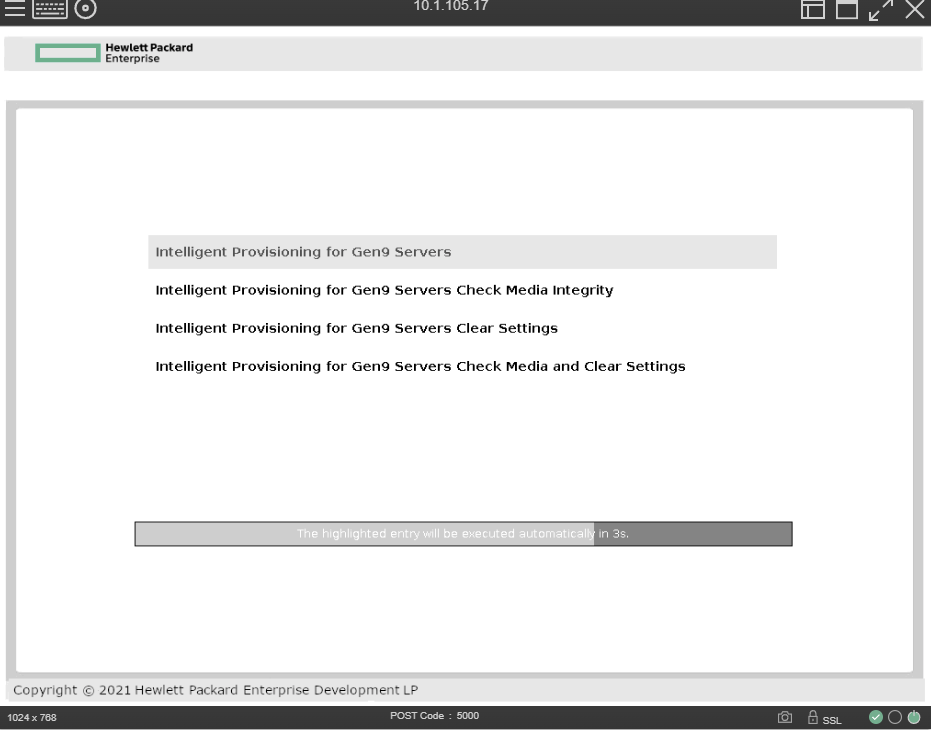
This is the screen you want to see. You’ll get a progress bar and the whole process takes about 10 – 15 minutes. The UID light will flash blue indicating a firmware update is taking place.
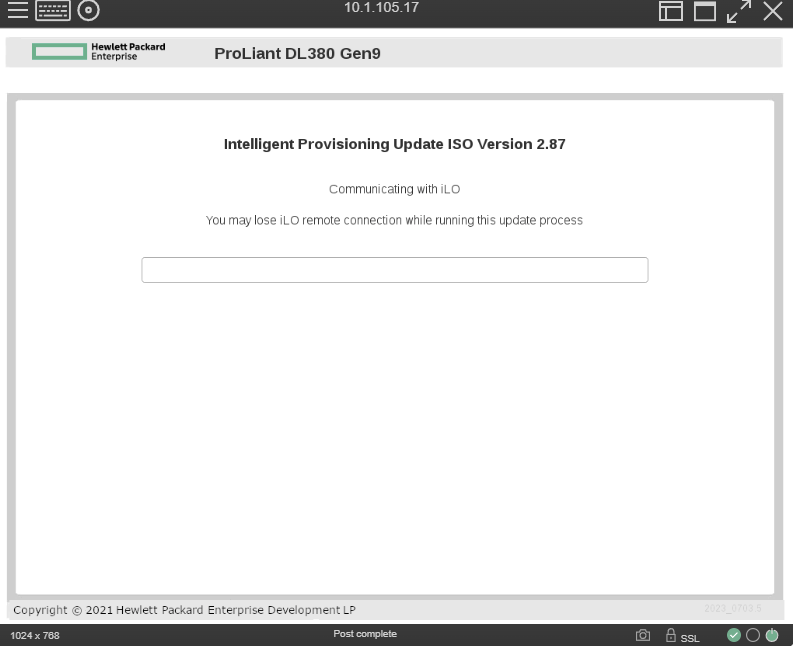
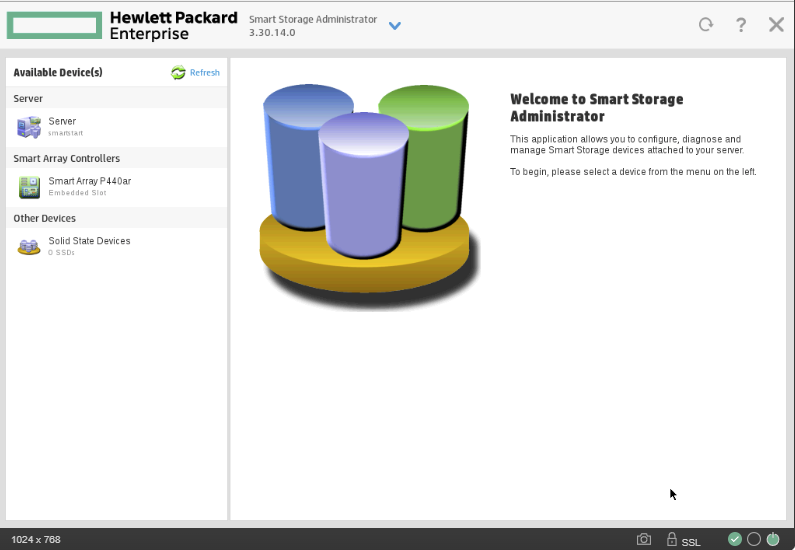
Once the system restarts you can attempt to boot into the Smart Storage Administrator once again.
In my case I was now able to successfully boot into the software and configure my drives.
Leave a Reply