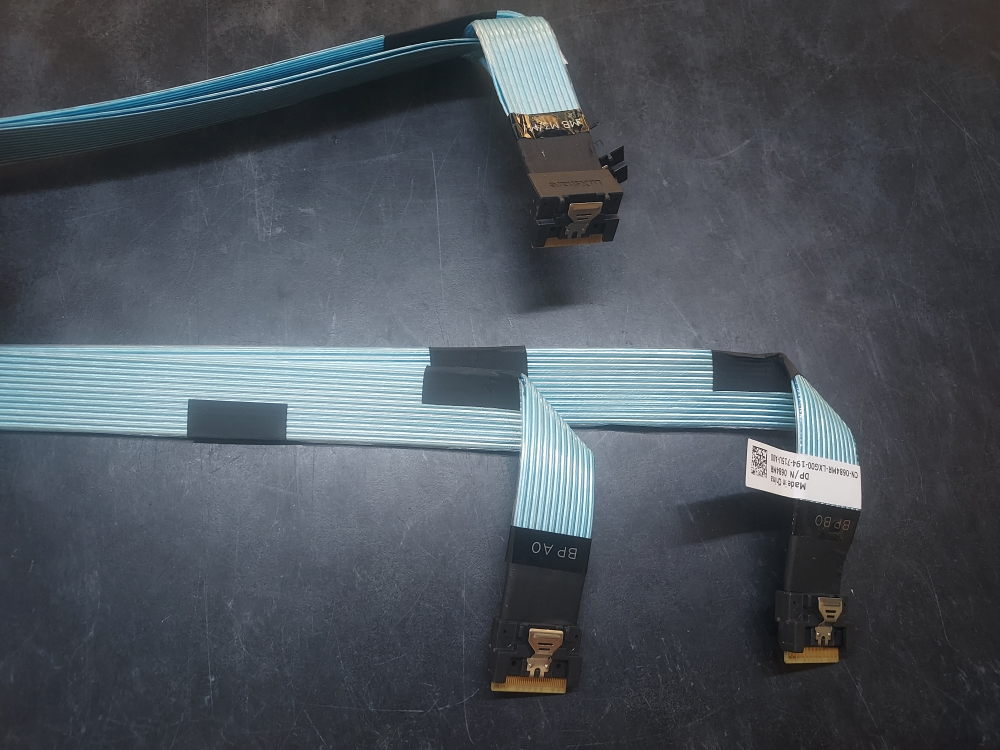
This cable provides PCIe connectivity for NVME drives on the R640 10 Bay server. It connects from the backplane on ports A0/B0, routes along the left side of the chassis and terminates at the M3/M4 connectors in the rear. It enables NVME support for last 4 drive bays.
Part Category: Storage
-
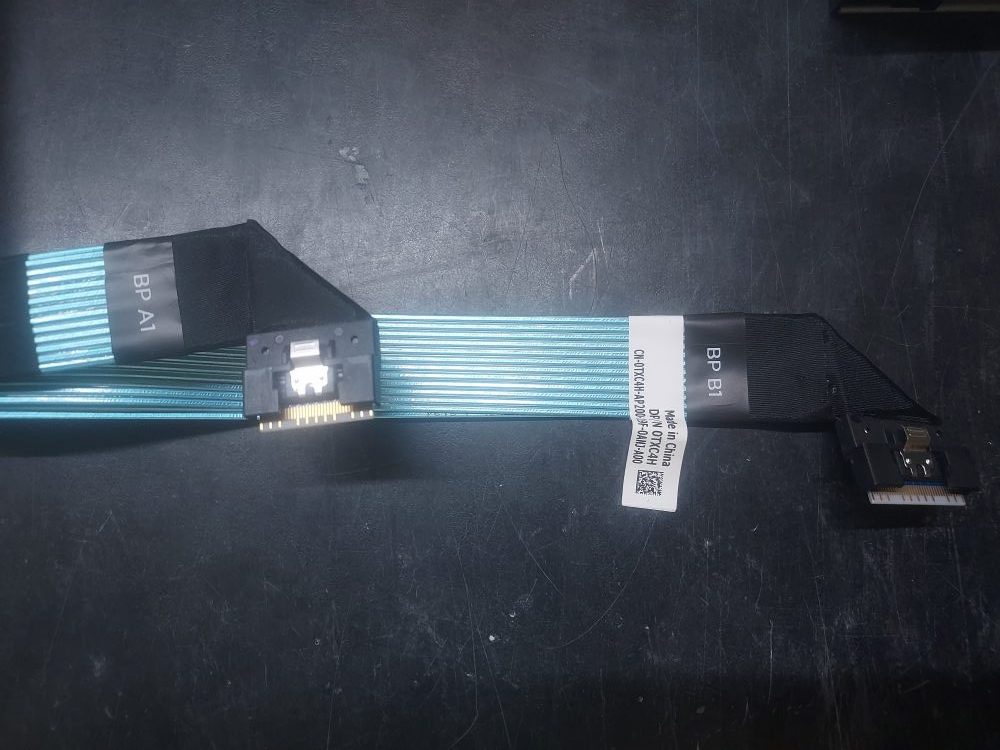
R640 NVME Cable A1/B1 0TXC4H
These cables supply PCIe connectivity for NVME drives on the R640 10 Bay server. They enable NVME on drive bays 2 – 5. One end connects to the backplane on ports A1/B1. The other end terminates at the rear of the chassis on ports M1/M2.
-
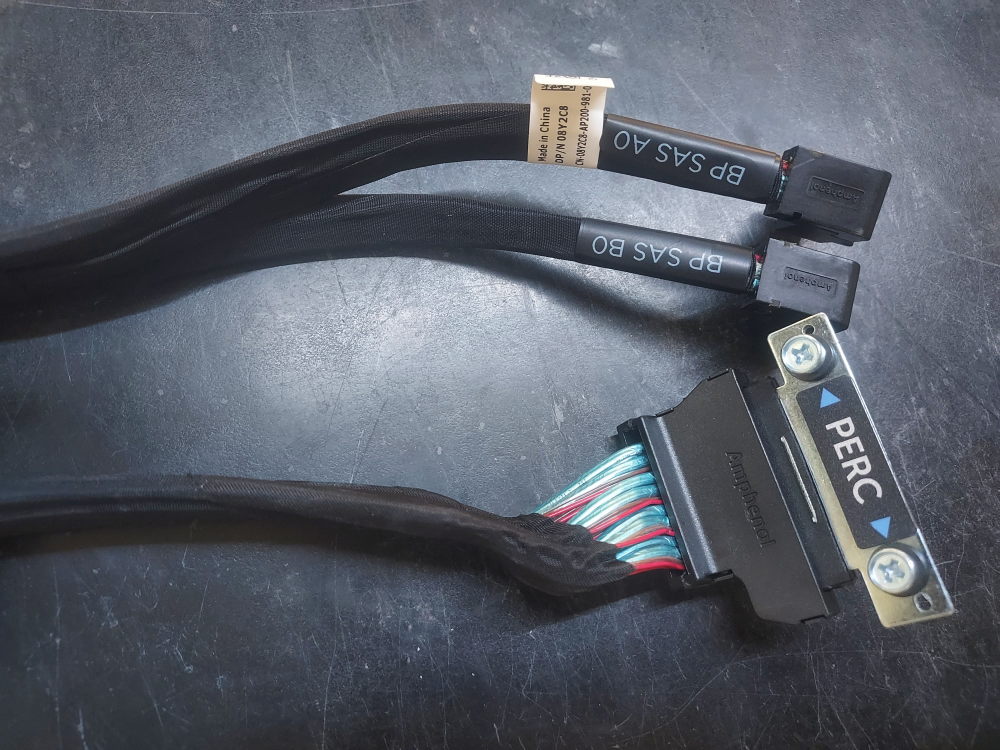
Dell PowerEdge R640 10 Bay PERC Cable 08Y2C8
PERC cable for the R640 10 Bay. It connects to the backplane and then terminates at one of Dells Mini Mono RAID controllers.
Installation:
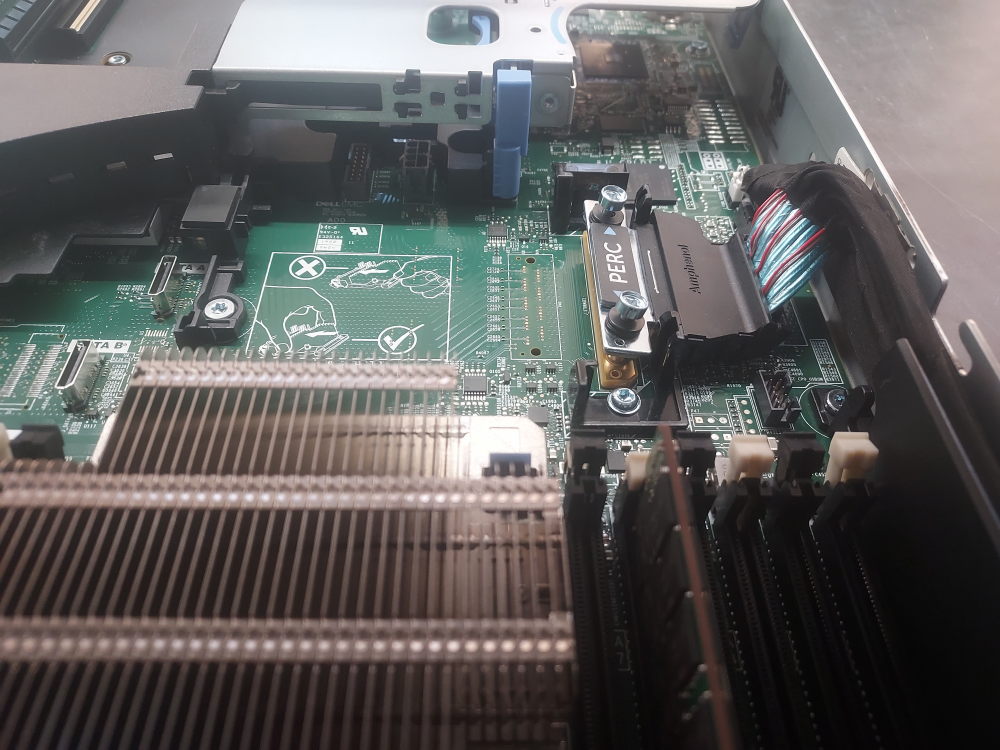
Here it is installed in the server. It routes along the right side of the chassis and has just enough length to reach the mini mono controller (mini mono RAID not pictured):
-
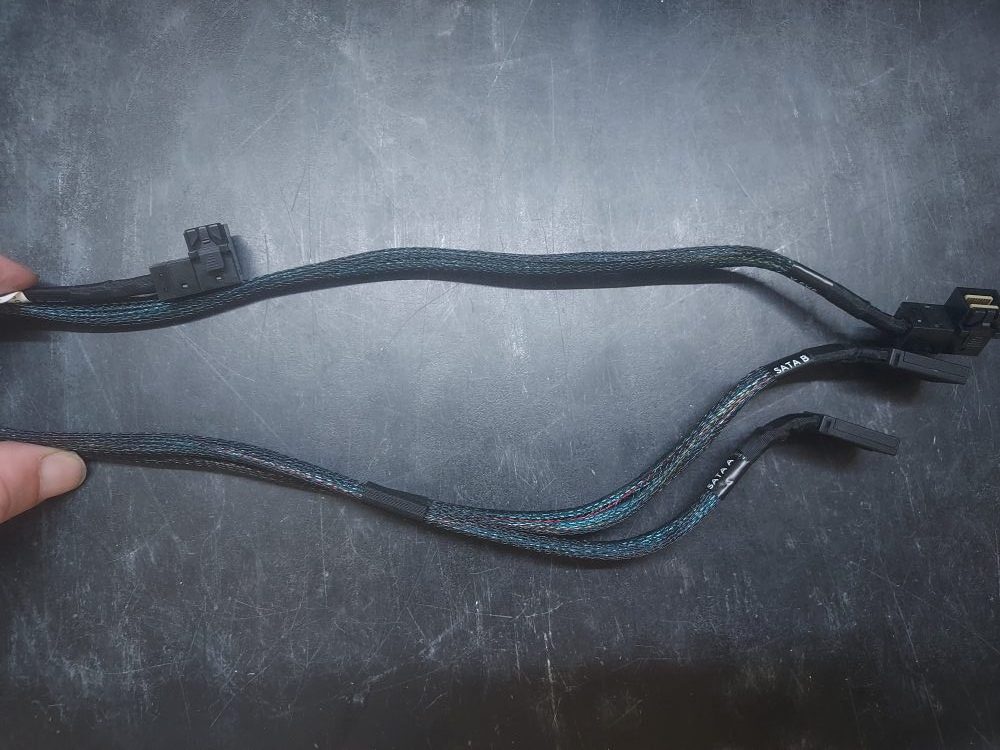
R740 8 Bay LFF Onboard SATA Cables 0JHVNC
This is the cable to connect the backplane to the onboard SATA controller on the R740 8 Bay LFF chassis. Keep in mind you will only be able to use SATA drives with cables like this. If you want to use SAS drives you’ll need this cable (or a PERC cable) as well as a proper RAID/HBA controller.
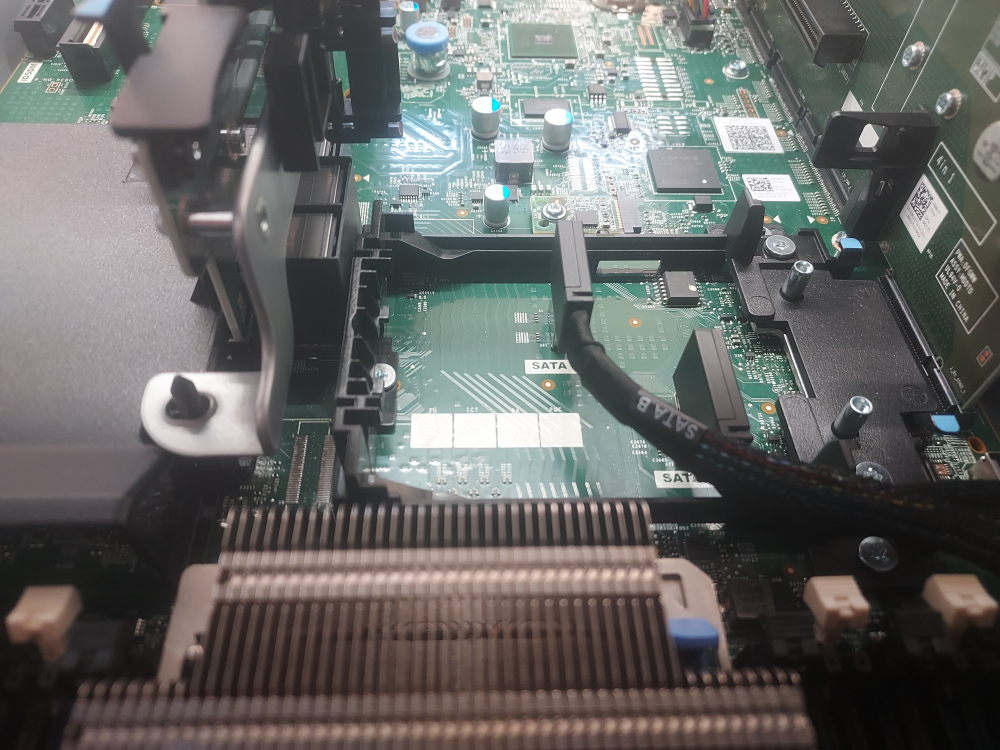
Installation:
One end of the cable attaches to the backplane. The other end plugs into the onboard SATA ports located right where the PERC mini mono raid controller would install:
-
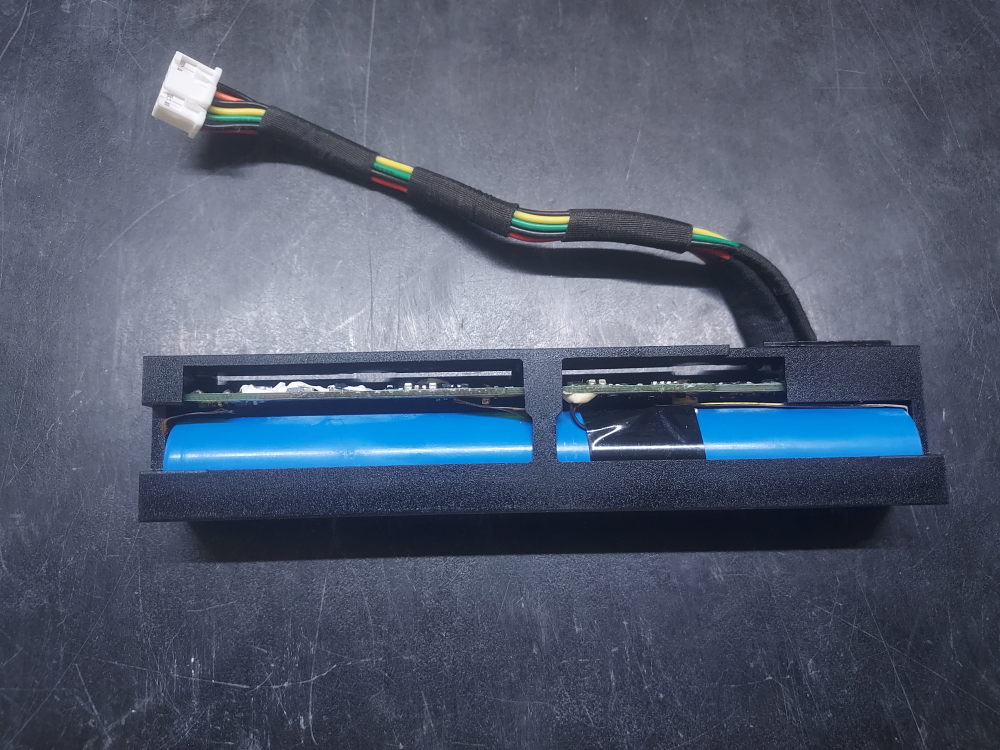
HP Smart Array Battery 878643-001
This is the battery for many HP Smart Array controllers. It is widely compatible in both G9 and G10 servers. Close to the backplane you’ll notice a small notch. This notch accepts the tab seen on the battery. It is then further held in usually by a blue clip. The wire connects straight to the motherboard. Functionally, this battery maintains the RAID cache in the event of power loss.