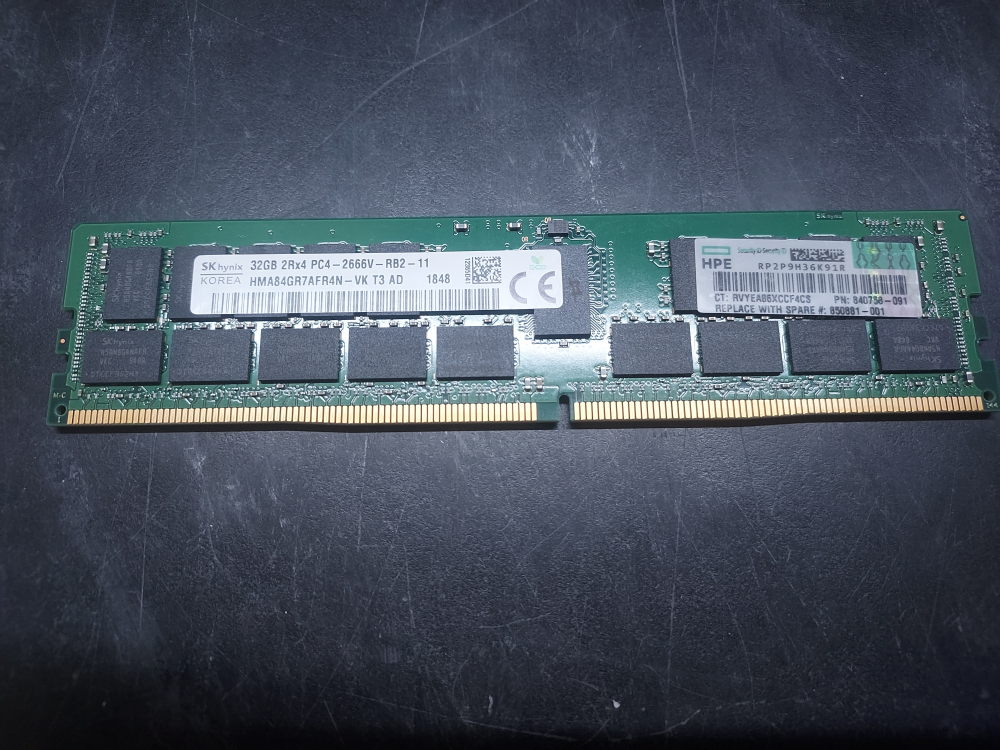
Sometimes memory errors don’t give you the exact problematic DIMM slot in the log. Instead you’ll see something like the following:
One or more memory errors have occurred during the Double Data Rate (DDR) memory channel initialization on the memory slot of Socket 02, Channel 3.
This is not exactly intuitive.
Use the following table to track the error to the actual DIMM slot. Note that since there are 2 DIMMs per channel you may have to troubleshoot 2 different sticks if both slots in the channel are populated. If only one stick in the channel is populated then the error always refers to that specific DIMM. Such errors will only ever refer to the problematic processor (Socket 01/02) and the associated channel, which can include up to 2 DIMMs if you happen to have them populated.
| CPU (Socket) | Memory Channel | Primary DIMM (1 DPC) | Secondary DIMM (2 DPC) |
|---|---|---|---|
| Socket 01 (CPU1) | Channel 0 | A1 | A7 |
| Channel 1 | A2 | A8 | |
| Channel 2 | A3 | A9 | |
| Channel 3 | A4 | A10 | |
| Channel 4 | A5 | A11 | |
| Channel 5 | A6 | A12 | |
| Socket 02 (CPU2) | Channel 0 | B1 | B7 |
| Channel 1 | B2 | B8 | |
| Channel 2 | B3 | B9 | |
| Channel 3 | B4 | B10 | |
| Channel 4 | B5 | B11 | |
| Channel 5 | B6 | B12 |
Leave a Reply