Archives: Parts

  • R940 left riser assembly cage 0FG2NF

    R940 left riser assembly cage 0FG2NF

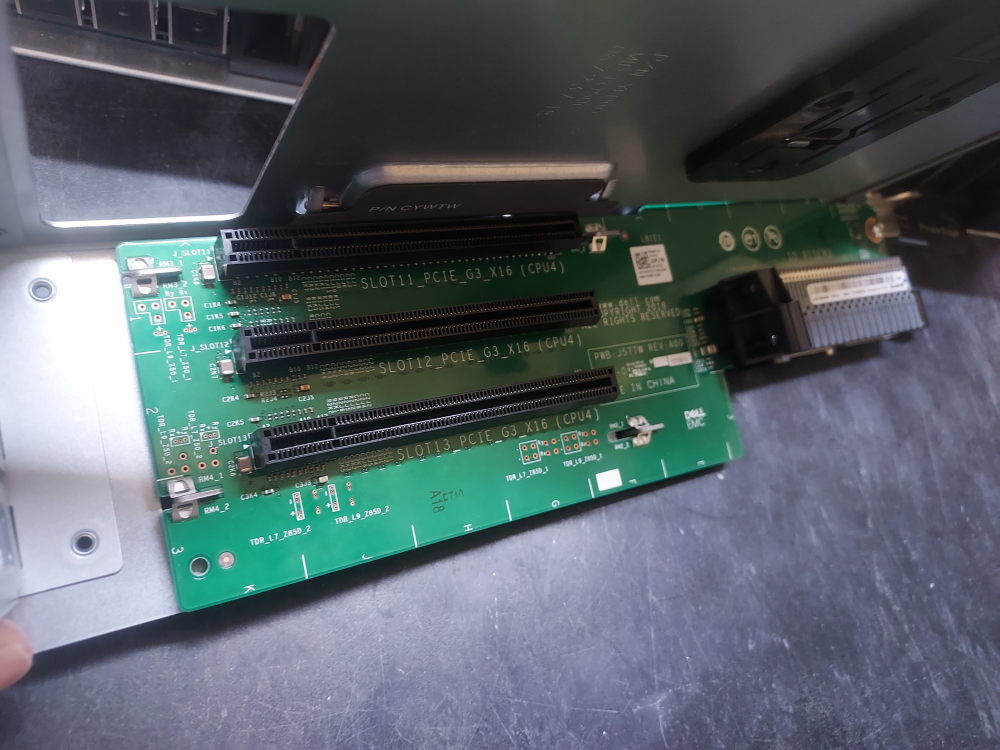
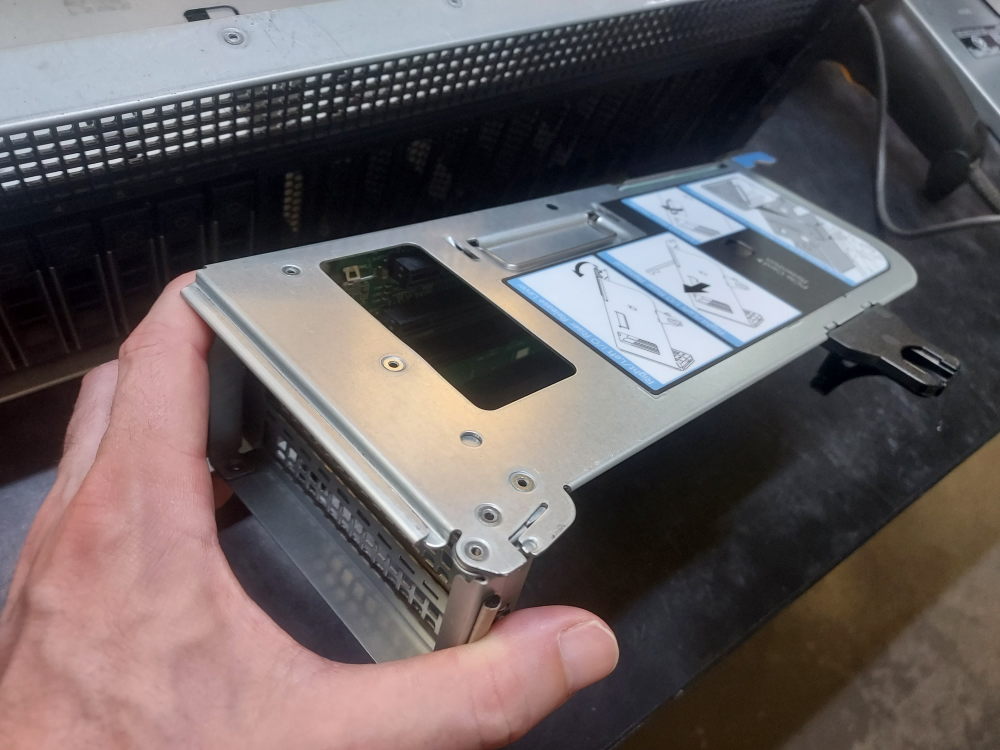
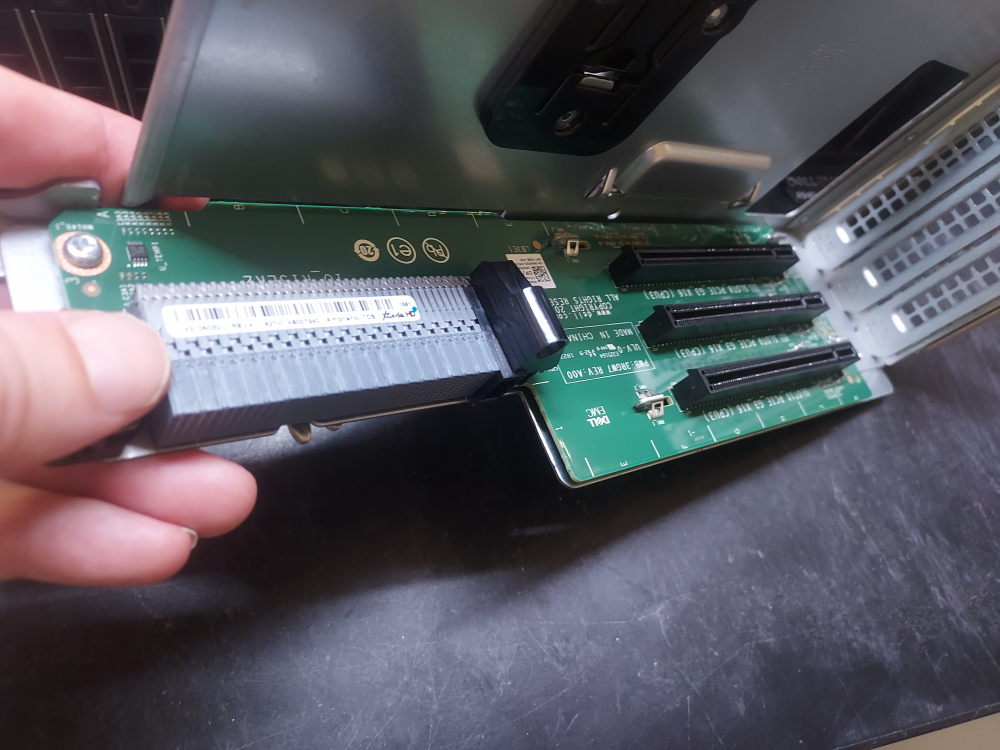
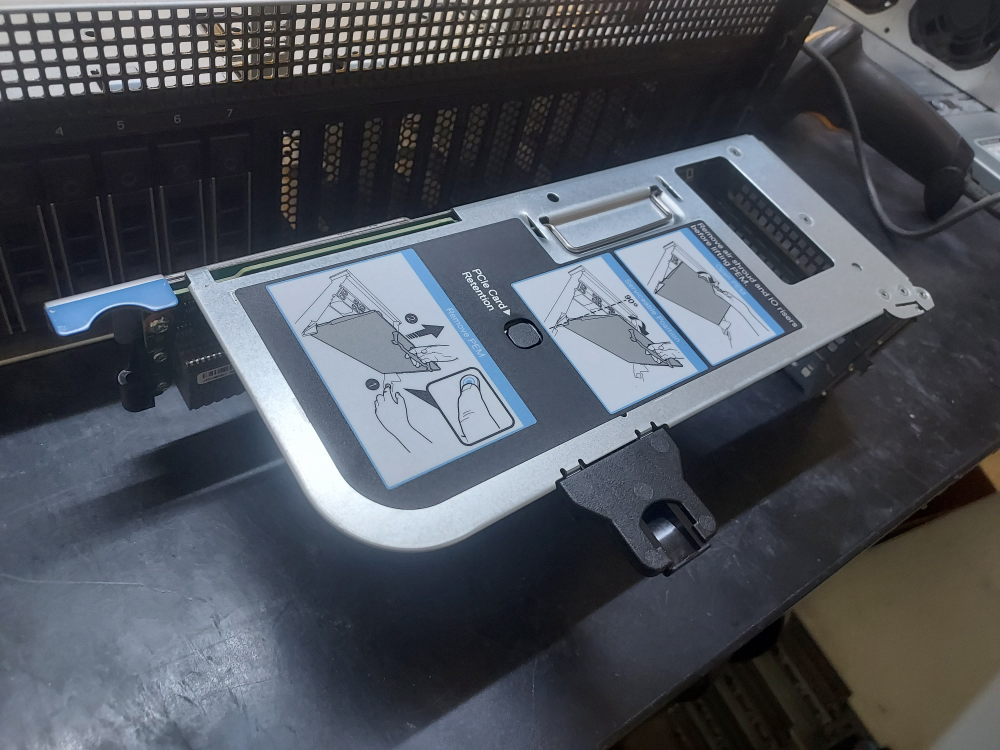
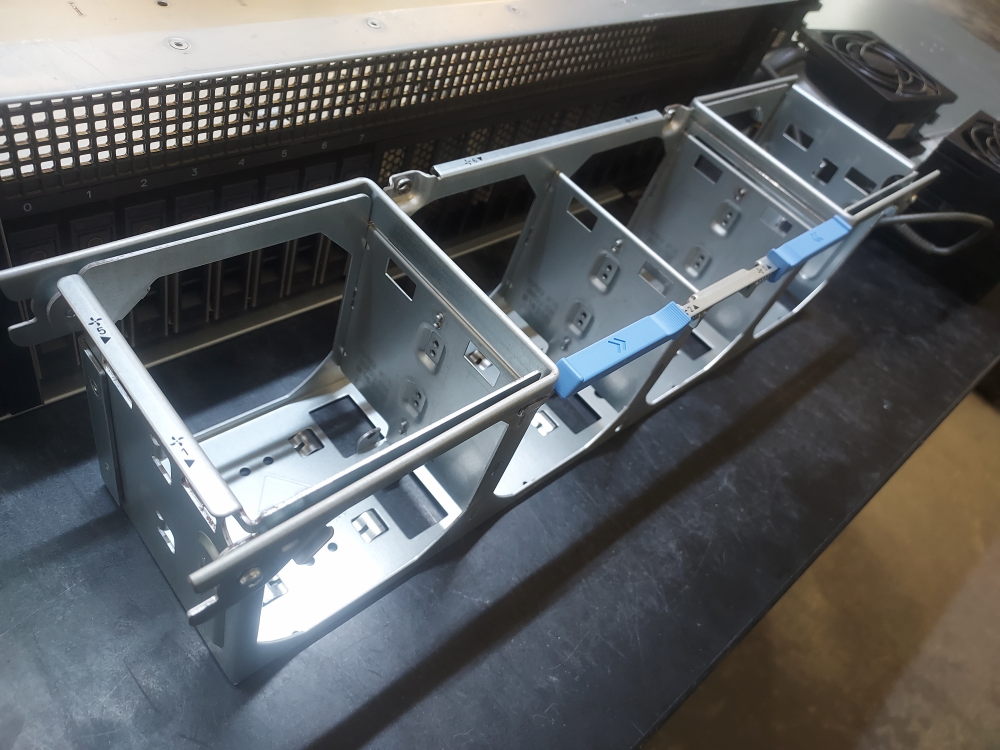
    This is the left riser assembly cage for the Dell PowerEdge R940. There are essentially 2 parts to this riser. This part is simply the mounting cage that the PCB attaches to.

    Notes:

    • Dell DP/N 0FG2NF (FG2NF).
    • Left riser cage for the Dell PowerEdge R940.
    • Used with the R940 I/O Riser 2 assembly.
    • Houses the 0NWRX5/NWRX5 riser board.
    • Mechanical cage/bracket only; it is not the PCIe riser board itself.
    • Designed specifically for the Dell PowerEdge R940.

    Additional photo(s):


  • R940 Heatsink 098C85

    R940 Heatsink 098C85

    Heatsink for the Dell PowerEdge R940.

    Notes

    • Dell DP/N 098C85 (98C85).
    • Standard CPU heatsink for the Dell PowerEdge R940.
    • Designed for the R940’s LGA3647 processor sockets.
    • Screw-down type heatsink that mounts directly over the processor.
    • Rated for processors up to approximately 205 W TDP according to multiple parts listings.
    • Used with the R940’s standard cooling configuration; processor TDP and system fan configuration should be considered when selecting a heatsink.
    • Alternate part-number format: 98C85.
  • R940 Processor Expansion Module 079PCJ

    R940 Processor Expansion Module 079PCJ

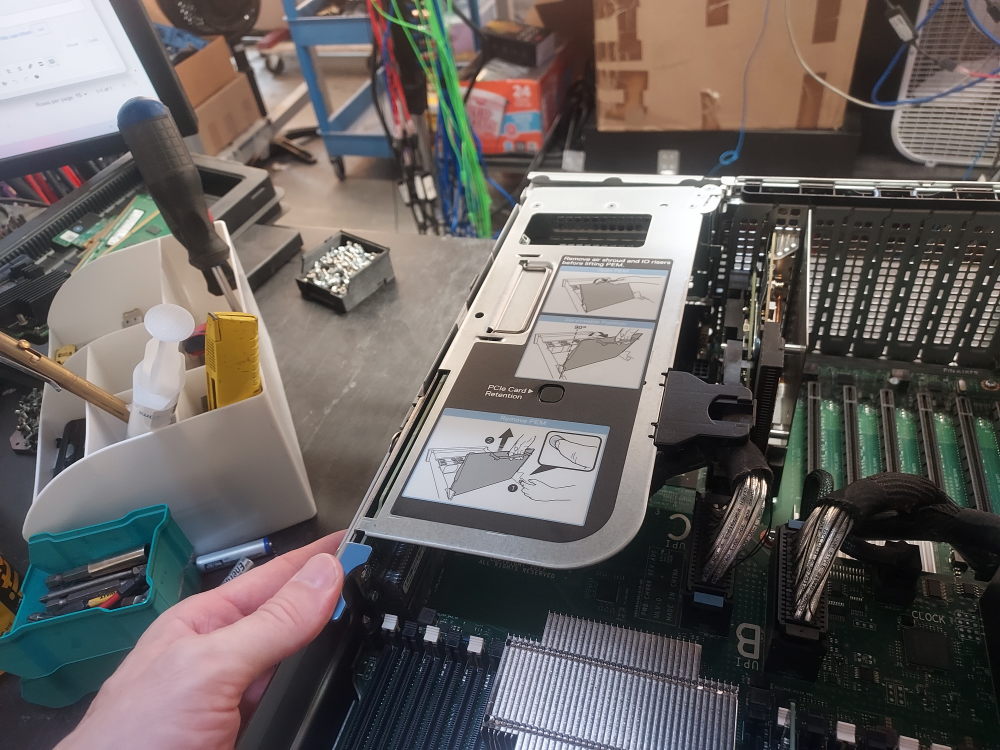
    This is the processor expansion module (sometimes called the mezzanine) for the Dell PowerEdge R940. It adds an additional 2 processors and 24 DIMMs to the server. It is connected to the primary motherboard by the following clock cable and (4) of the following UPI cables. 

    Notes:

    • Dell DP/N 079PCJ (79PCJ).
    • Processor Expansion Module (PEM) for the Dell PowerEdge R940.
    • Provides two additional LGA3647 CPU sockets for processors 3 and 4.
    • Adds 24 DDR4 DIMM slots to the system.
    • Includes the I/O connections for the left and right riser assemblies.
    • Required for a four-processor R940 configuration.
    • Part numbers also associated with this assembly include 79PCJ and 0DG2JC/DG2JC.

    Additional photo(s):

  • R940 UPI Cable 053J26

    R940 UPI Cable 053J26

    There are 4 cables used to connect the primary motherboard to the extra mezzanine expansion board on the Dell PowerEdge R940. This is the cable for that purpose. All 4 cables are the same and share the same part number. You will need these cables to setup a 4 processor configuration. For 2 processor configurations a different set of cables are used.

    Notes:

    • Dell DP/N 053J26 (53J26).
    • UPI daughter board signal cable for the Dell PowerEdge R940.
    • Connects the system motherboard (MB) to the expansion motherboard/UPI daughter board.
    • Used as part of the R940’s Ultra Path Interconnect (UPI) architecture.
    • Approximately 0.25 m (10 in.) in length.
    • Uses proprietary connectors on both ends.
    • R940-specific cable; verify the installed processor/UPI expansion configuration before ordering.

    Additional photo(s):

    Connection to the mezzanine expansion board on the Dell PowerEdge R940

  • R940 Clock Cable 0MXX5P

    R940 Clock Cable 0MXX5P

    This Dell R940 UPI clock cable is an internal system cable designed for 14th-generation PowerEdge R940 servers. It connects the system board to the processor expansion module (PEM) assembly and provides the UPI and clock interconnect required by the R940’s multi-processor architecture. Compatibility depends on the server configuration, including the chassis layout, PEM assembly, and corresponding system board connectors.

    Notes:

    • Dell DP/N 0MXX5P.
    • Internal cable used in the Dell PowerEdge R940.
    • Connects components associated with the R940 processor/mezzanine assembly.
    • Features Mini-SAS–style connectors.
    • Used for the system’s internal processor/interconnect architecture.
    • Not a standard front drive backplane data cable.

    Additional photo(s):