Archives: Parts

  • R730xd Mid Bay Heatsink 0YYH68

    R730xd Mid Bay Heatsink 0YYH68

    These are heat sinks designed for the R730xd when the mid bay is installed. The mid bay doesn’t allow for the 2u heatsinks so these are used in their place. They are only recommended if you have the mid bay installed. They are too tall to work with the standard R730xd air shroud so pretty much useless unless you’re using the mid bay.

  • R430 4B LFF PERC Cable 072HGP

    R430 4B LFF PERC Cable 072HGP

    This is the PERC Cable for the Dell PowerEdge R430 4 bay chassis. It also has 2 SATA connectors for the optional internal drive tray. 

  • R430 SFF Internal Drive Tray 0X44F2

    R430 SFF Internal Drive Tray 0X44F2

    This tray installs on the inside of the PowerEdge R430. It can accept two 2.5″ SFF SATA drives. Be sure you also have the correct SATA and power cables.

    Installation:

    R430-4B-SFF-Caddy


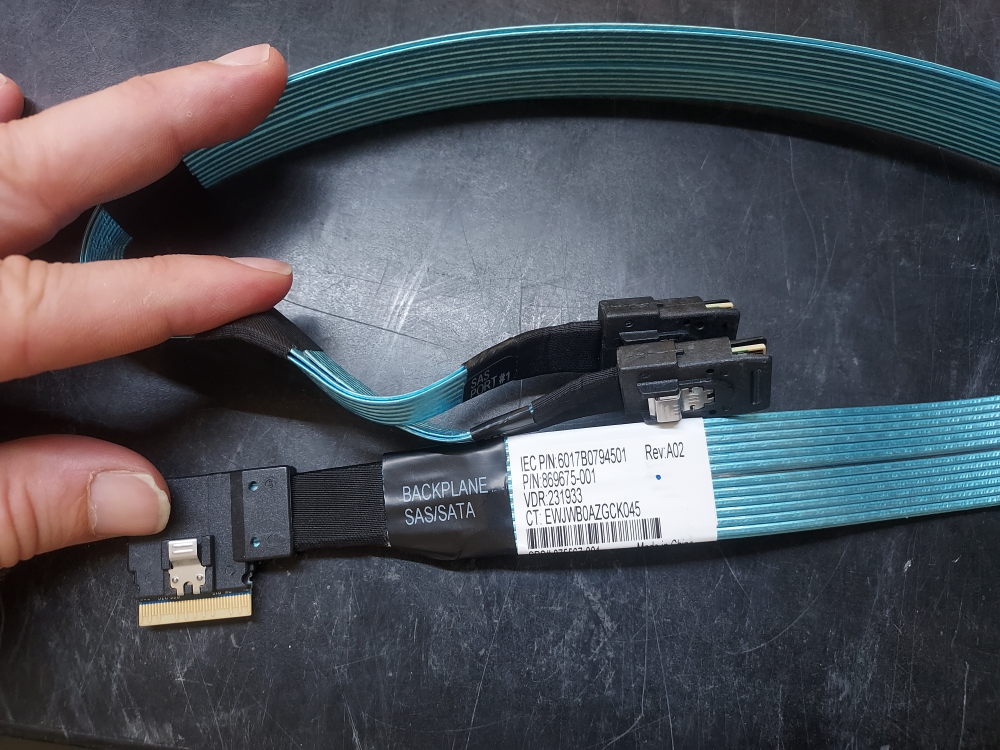
  • R730xd 12B PERC Cable 08717G

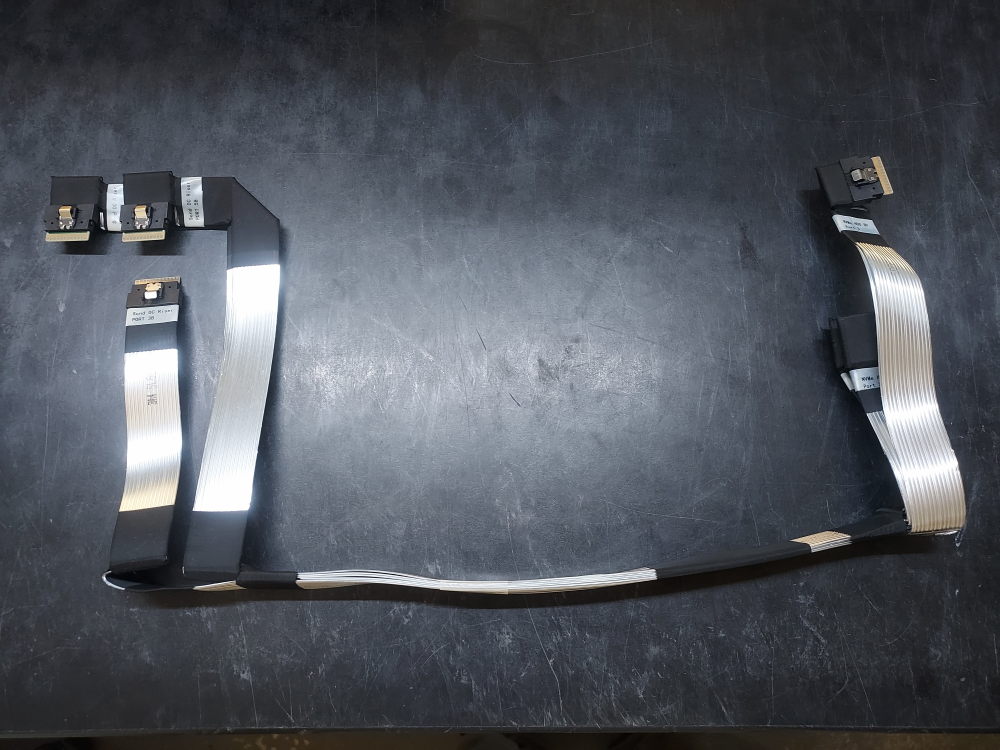
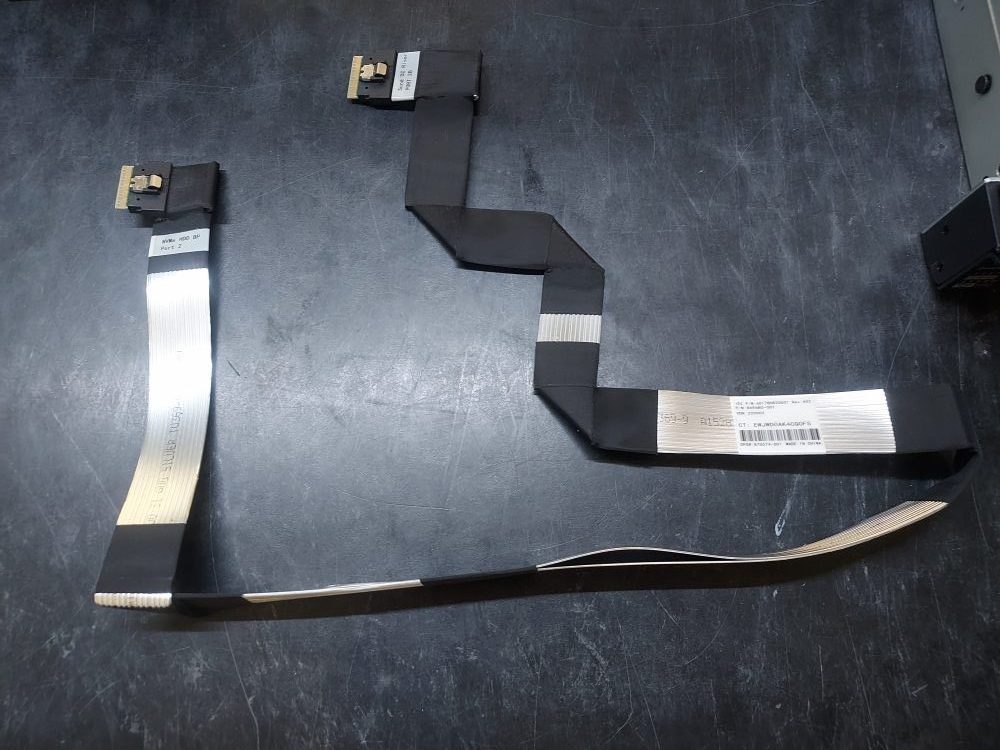
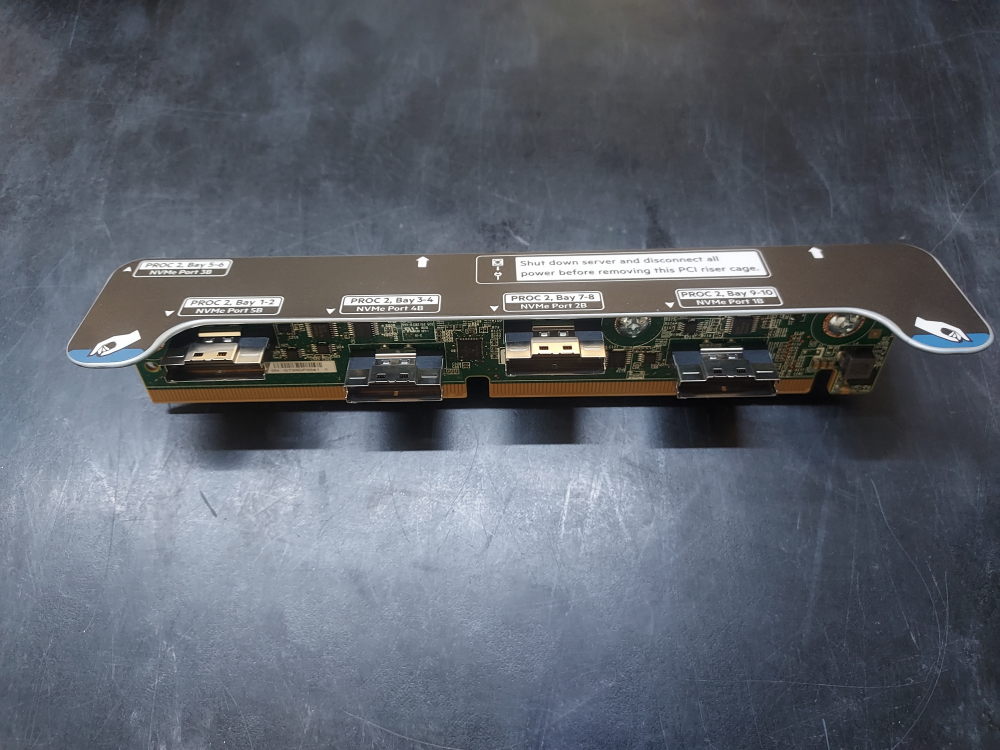
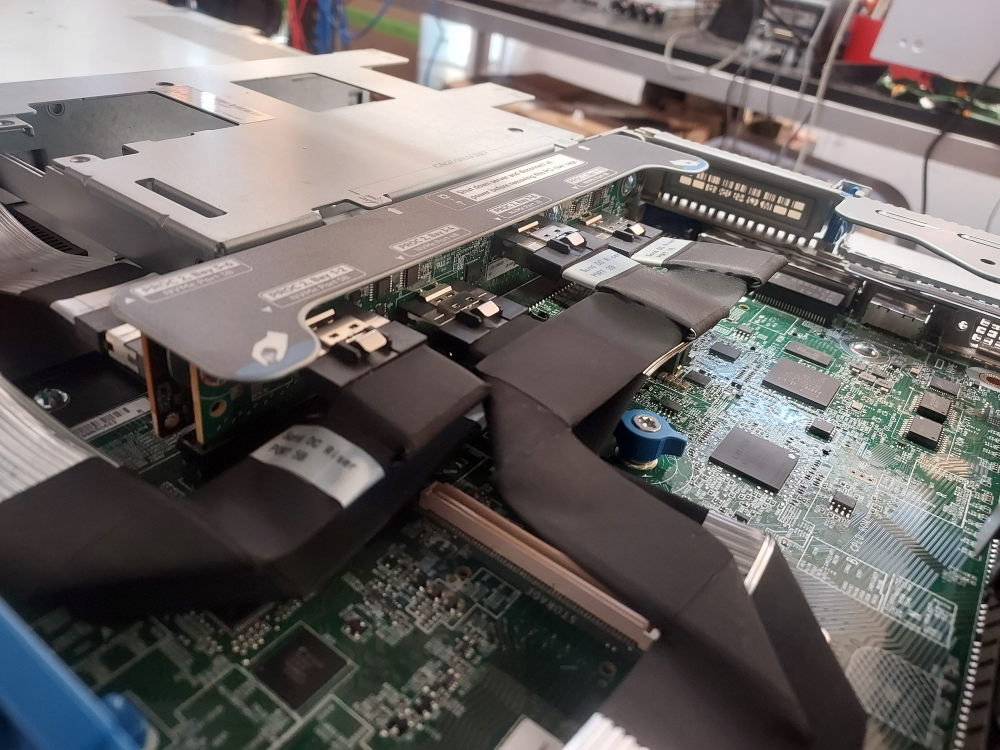
    R730xd 12B PERC Cable 08717G

    This cable connects the backplane to one of Dells mini mono RAID controllers on the R730xd 12 Bay chassis.

    Installation instructions

    Plug one end into the backplane and then route the cable through the channel located on the right side of the server. The other end labeled PERC will terminate near the middle right side of the chassis. You will see the slot just before riser 1.  Screw it down to a compatible DELL mini RAID controller.

  • Dell R740/R740xd Interposer 004M4C

    Dell R740/R740xd Interposer 004M4C

    This chip is known as an interposer. It’s essentially a bridge between the Mini Mono RAID controllers and the backplane. Without the interposer you are unable to install any of Dells mini RAID controllers. You can however install a regular PCIe card though. As I pointed out in this post, it limits you to a variation of riser 1 that has no x16 slot.

    This is where you install the interposer.

    Installation instructions

    Find the interposer slot located right in front of Riser 1. This is near the top right corner of the chassis. Match up the slot and press down until you hear the interposer snap into place.