The Dell VxRail V670f is basically a PowerEdge R750 under the hood. The hardware is a carbon copy except for a handful of software and firmware related differences. If you have a V670F it’s entirely possible to rebrand to the R750 branding if you’d like. Having just performed this task it’s fresh on the mind to break down the exact process.
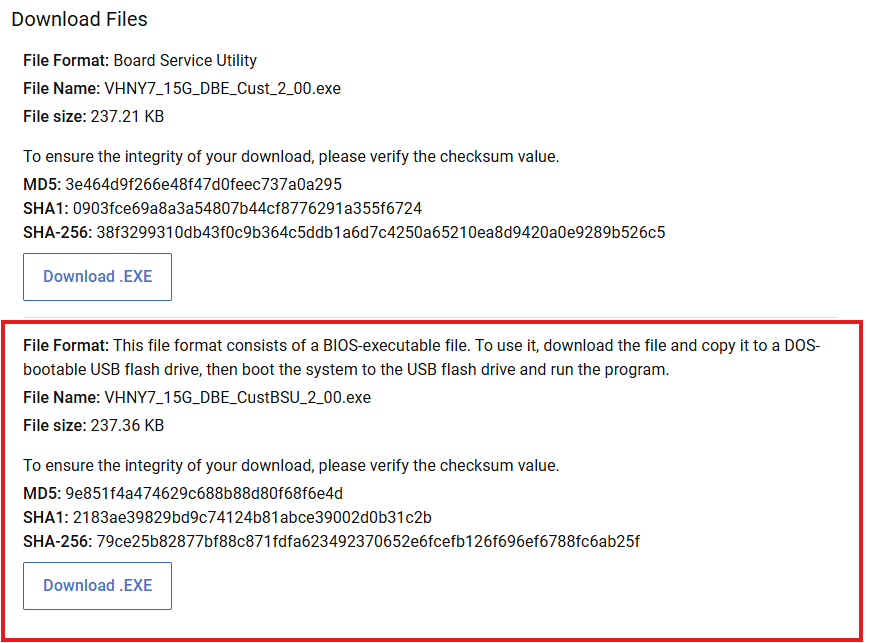
First you need to download the appropriate identity module.
Make sure you download the file with CustBSU in the filename. This is the customer board service utility.
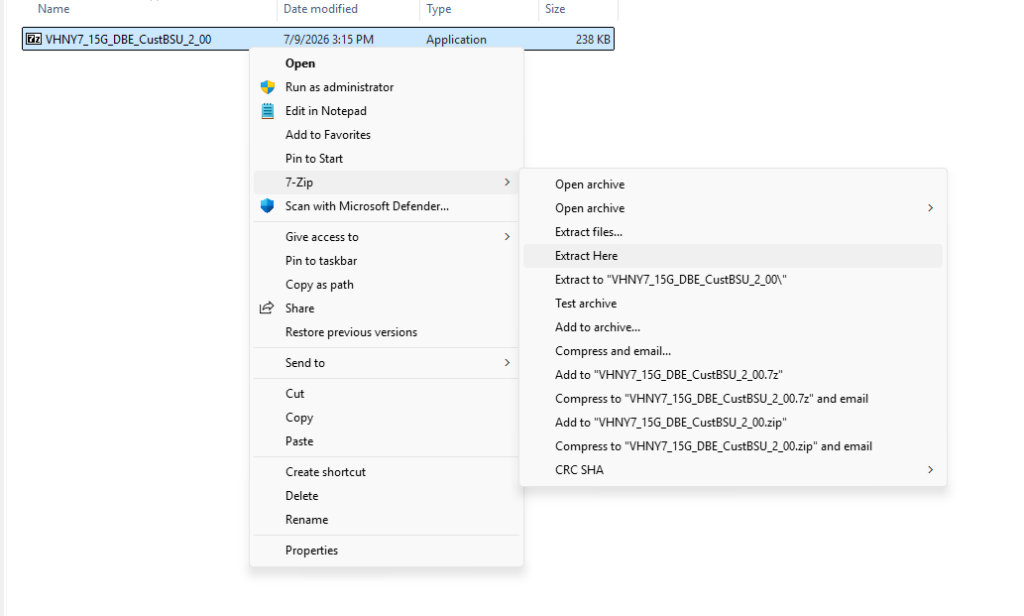
Once you have it downloaded it’s necessary to extract the exe. After extraction you’ll have a .PM file extension. This is what you’ll upload in iDRAC.
This is the .PM file:

Now take that file and upload it to iDRAC under the System Update section:
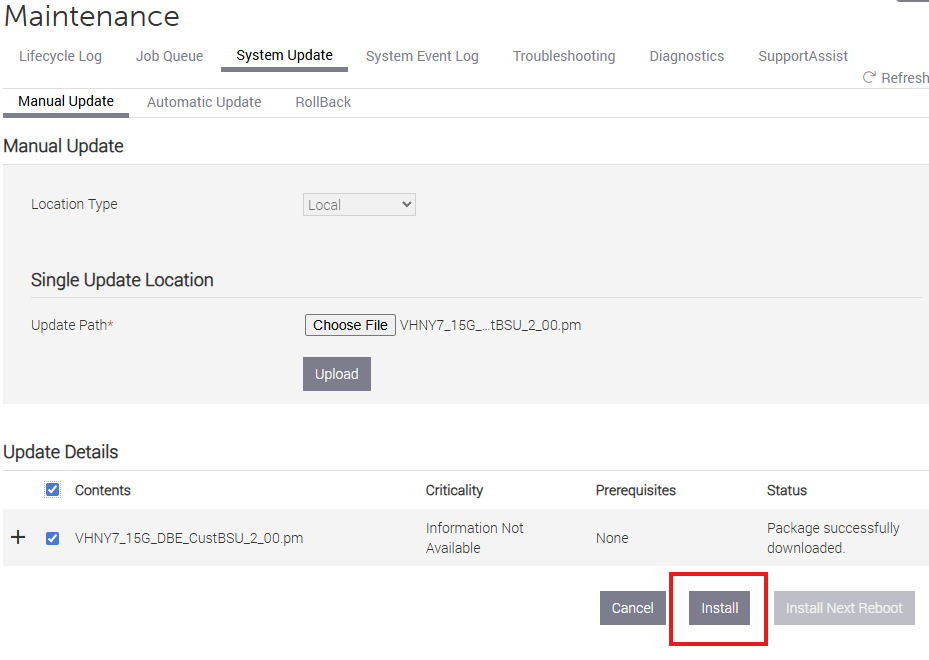
Click install and enter the Job Queue when prompted.
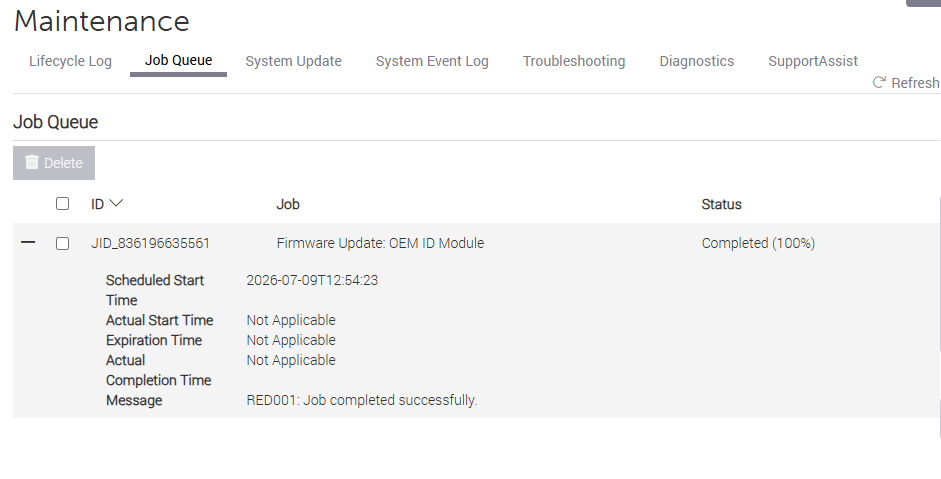
Reboot the server and you should see the process of rebranding take place.
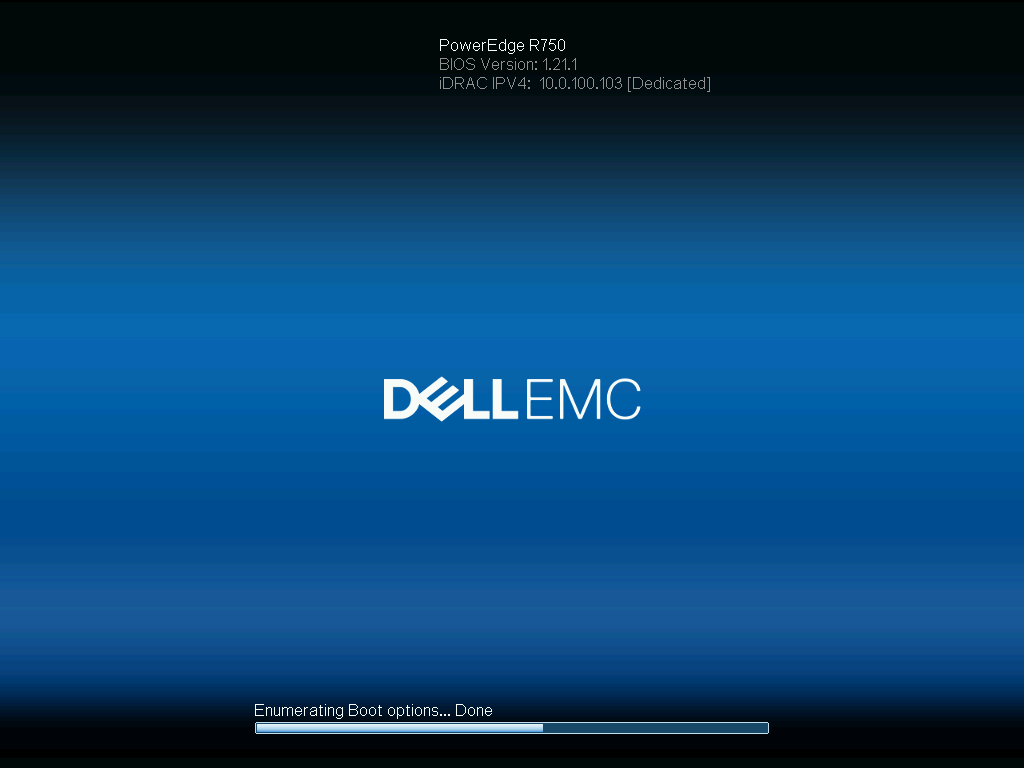
When finished the server will reboot once more. If all went well you’ll see the new R750 branding:
Troubleshooting
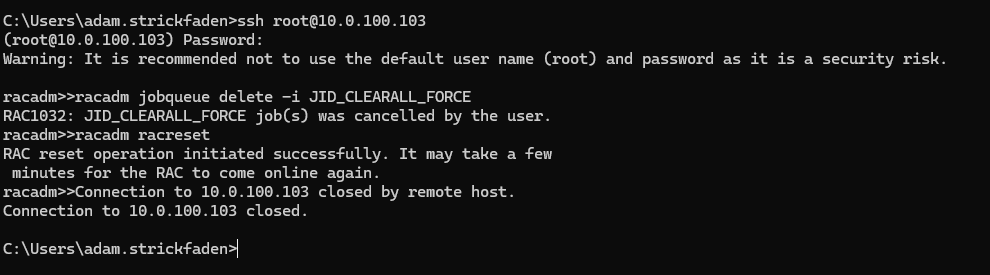
This server put up quite a fight initially. First I tried multiple identity modules before finding the correct one. Even after finding the right module I noticed that the Job would immediately fail upon upload. For each module I uploaded I had to clear the job queue and reset iDRAC before it would accept another upload without failing. If this is the case, I recommend logging into the server via SSH and use racadm to flush the queue and reset iDRAC before trying the upload again.
Leave a Reply