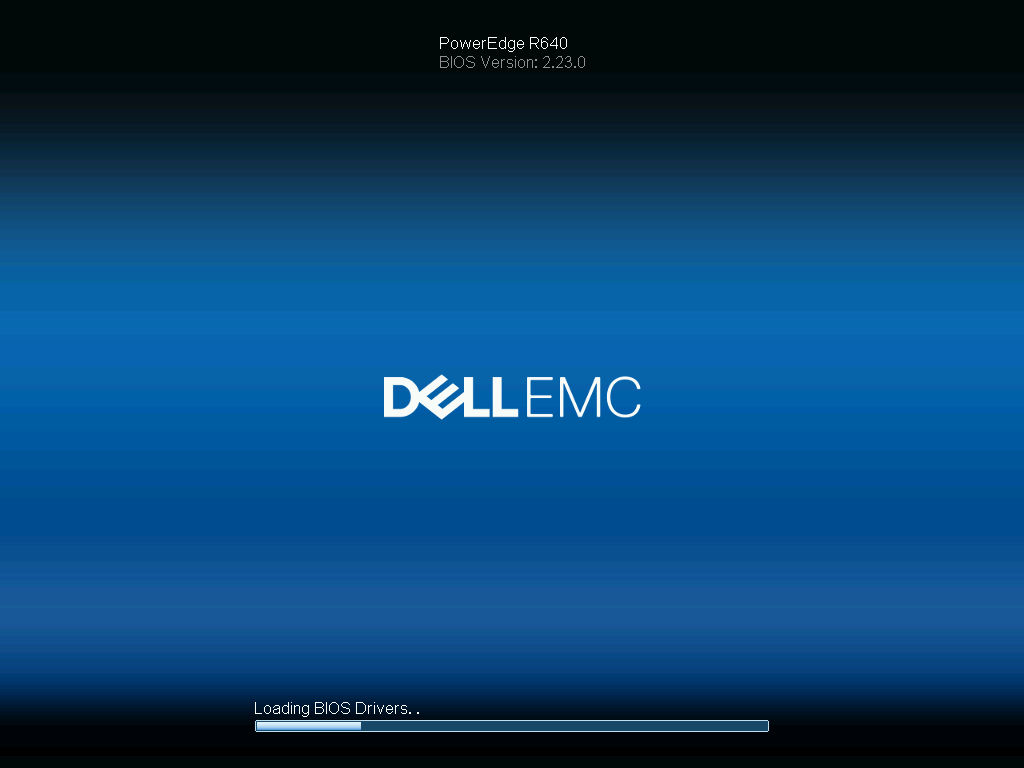
I’ve probably had hundreds of servers freeze at this particular screen over my time dealing with servers. It gets to the loading bios drivers screen. You count the dots one by one and watch closely. One dot. two dots. 5 dots. And then nothing. The dots stop coming.
In almost every case I’ve found bad memory to be the culprit. In fact, I am documenting this while dealing with the exact problem. An R640 with 16 sticks of memory. It’s freezing. I know there’s a bad stick somewhere.
The only question is what’s the fastest way to locate the bad stick so you can move on with your life?
With a lot of memory I like to remove all the DIMMs from the black slots first. It’s up to you. The whole idea is to keep removing DIMMs until the darn thing boots up. If you remove sticks and it still freezes, that means the sticks you pulled out were good. In a 2 CPU configuration remove them evenly from both sides to prevent unbalanced memory errors.
Now, if you remove a bunch of sticks and it boots up, that means the bad stick is in the group of DIMMs you just pulled out. To find the bad one you now put them back in the server one by one. Once it freezes up you have found the bad DIMM. Replace it.
Sometimes you’ll do this process only to find the DIMMs just needed to be reseated. That’s fine, in the end it’s just about fixing the problem.
Leave a Reply