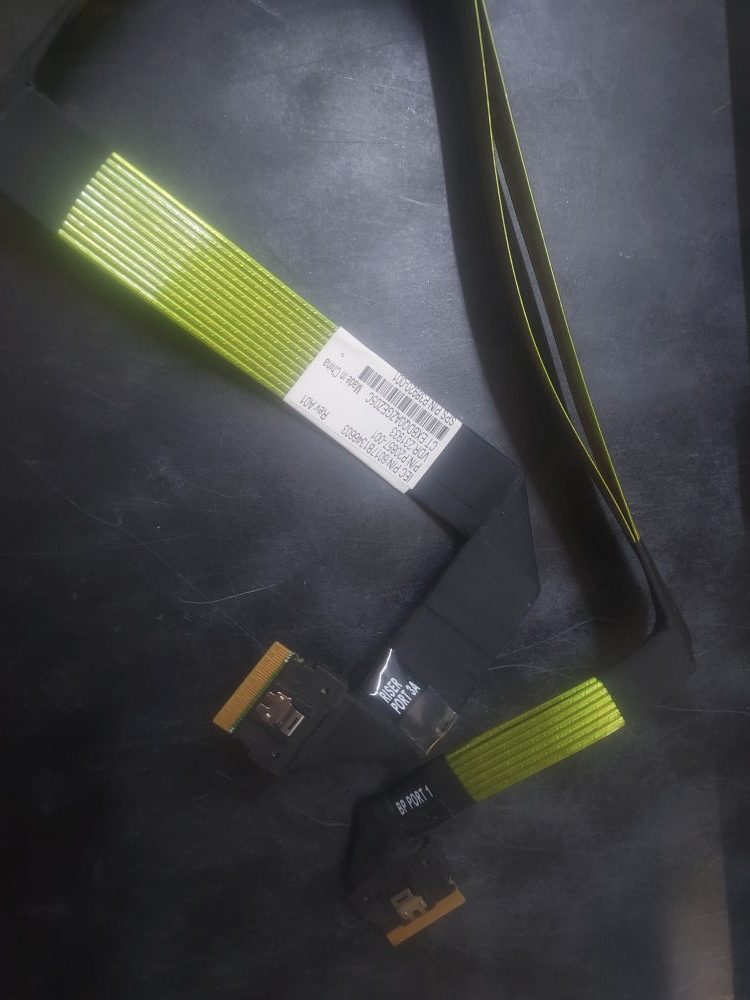
This cable runs from the backplane to the following riser. When connected it enables NVME connectivity on the last 2 drive bays.
Archives: Parts
-
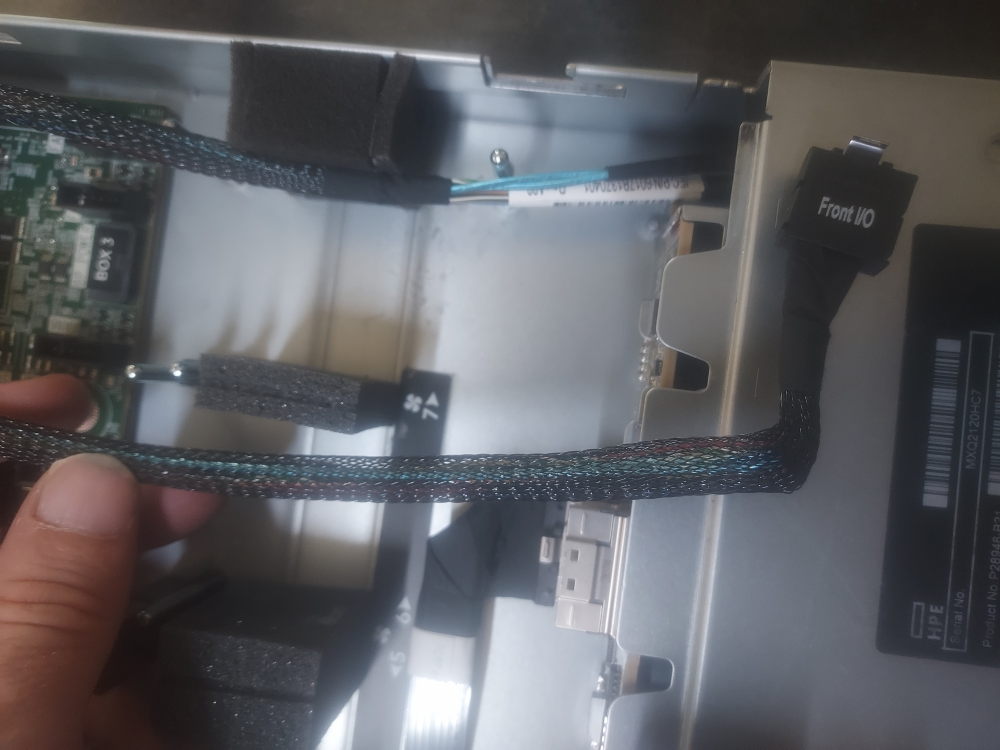
Front IO Cable P20811-001
Power and signal cable for the front IO panel on the HP DL 360 G10+ server.
-
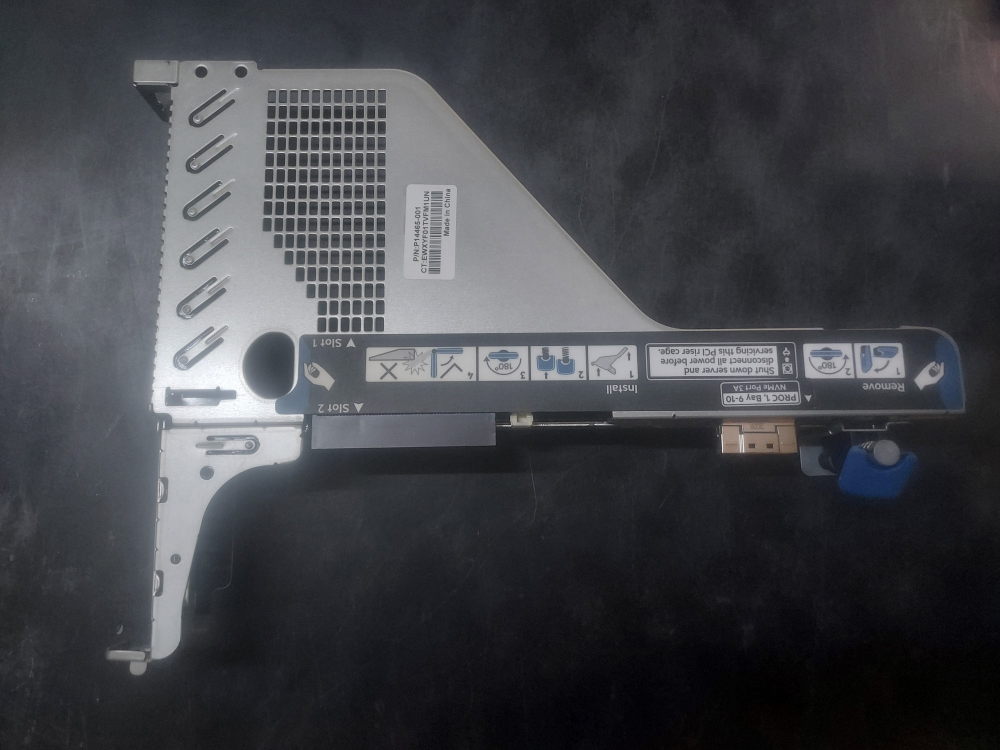
HP P14465-001
Primary riser assembly cage for the HP DL 360 G10+ server. Different PCB boards may come with this particular riser cage. One such board has a slim SAS connector designed to provide NVME connectivity to specific drive bays. Other variations may only have a basic x8 and x16 configuration.
-
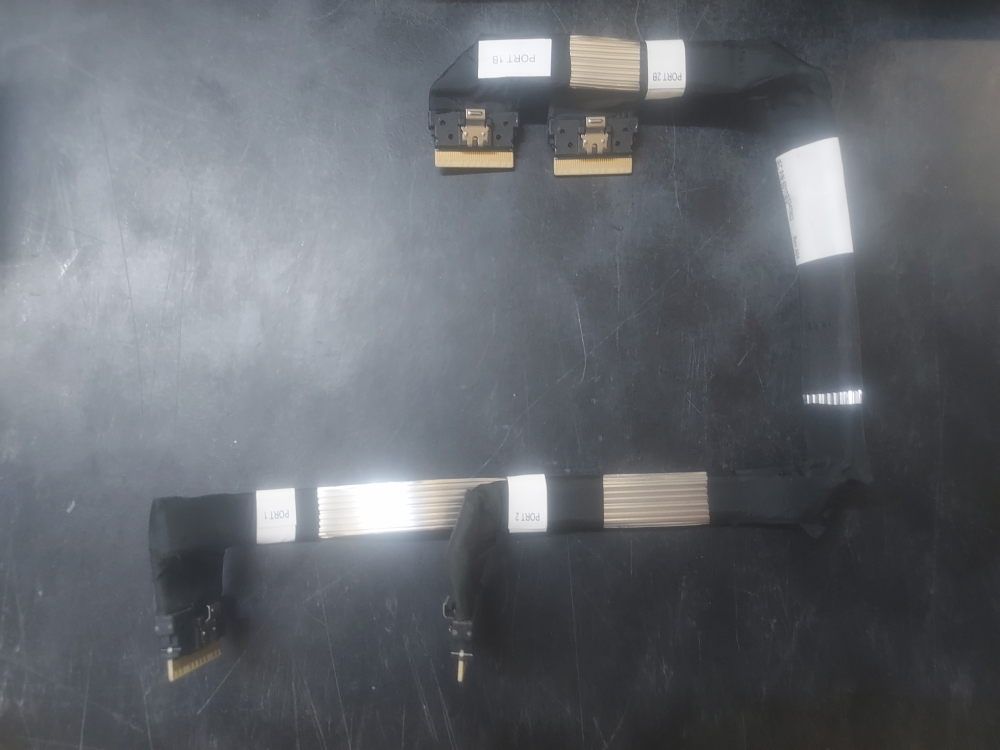
HP NVME Signal Cable P20855-001
The other set of NVME signal cables. See the first set here. These provide NVME connectivity to 4 drive bays. Pulled from an HP DL 360 G10 Plus server.
-
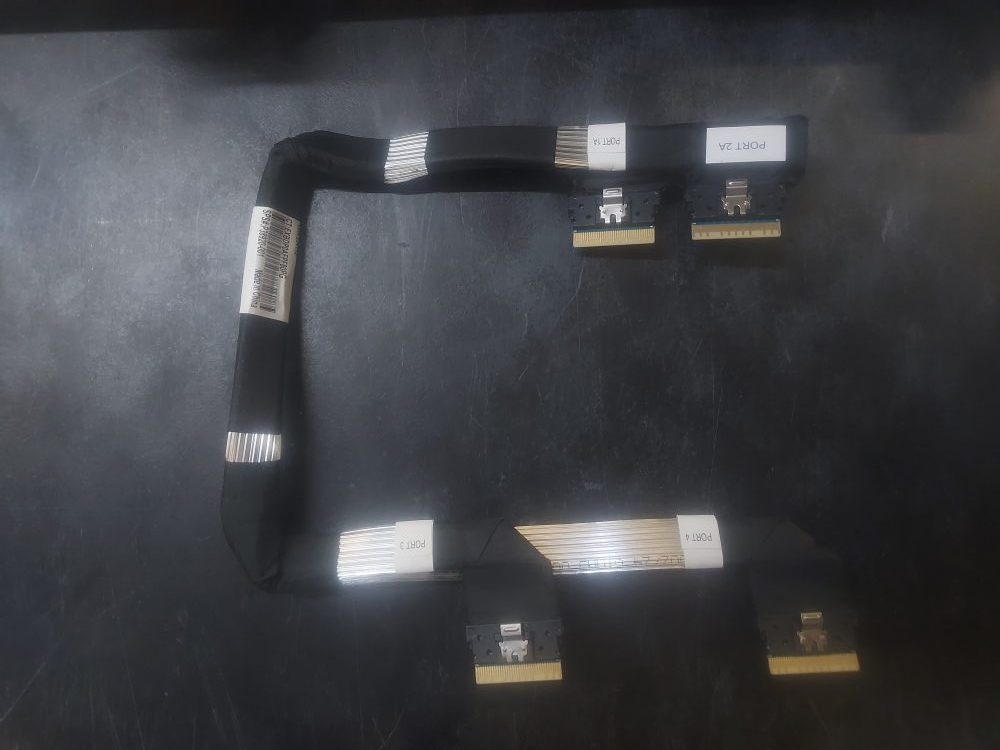
HP NVME Signal Cable P20856-001
One set of HP NVME signal cables. These cables were pulled from an HP DL 360 G10 Plus server. They enable 4 bays with PCIe connectivity. One end of the cables plugs into ports 3 and 4 on the backplane and the other side connects to the motherboard on ports 1A and 2A.