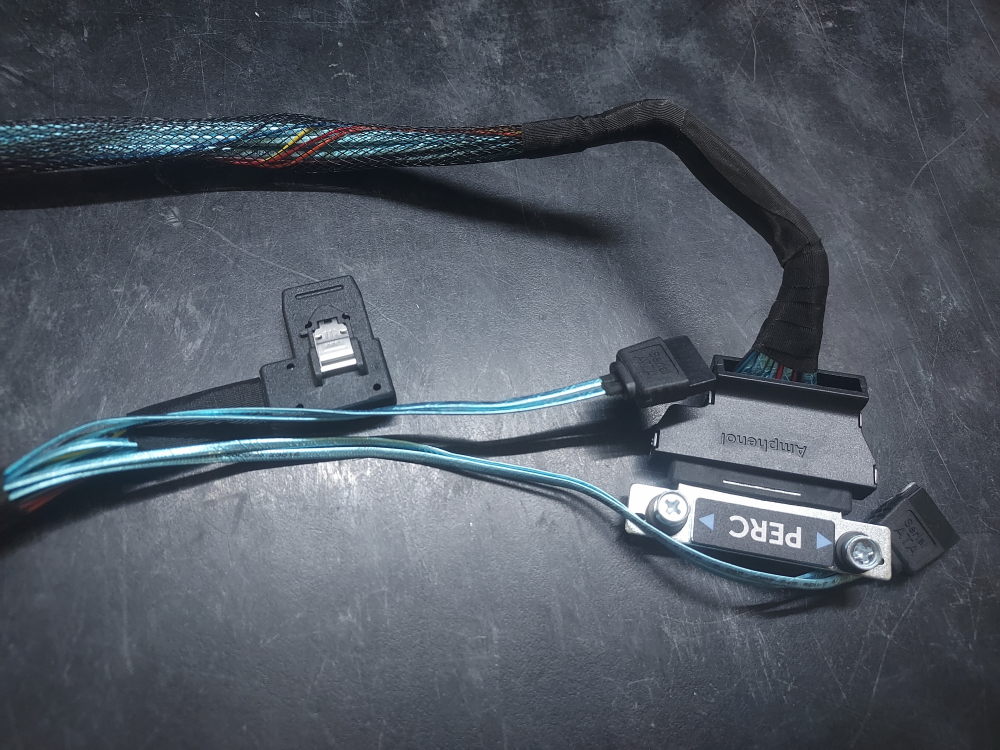
This is the PERC Cable for the Dell PowerEdge R430 4 bay chassis. It also has 2 SATA connectors for the optional internal drive tray.
Manufacturer: DELL
-
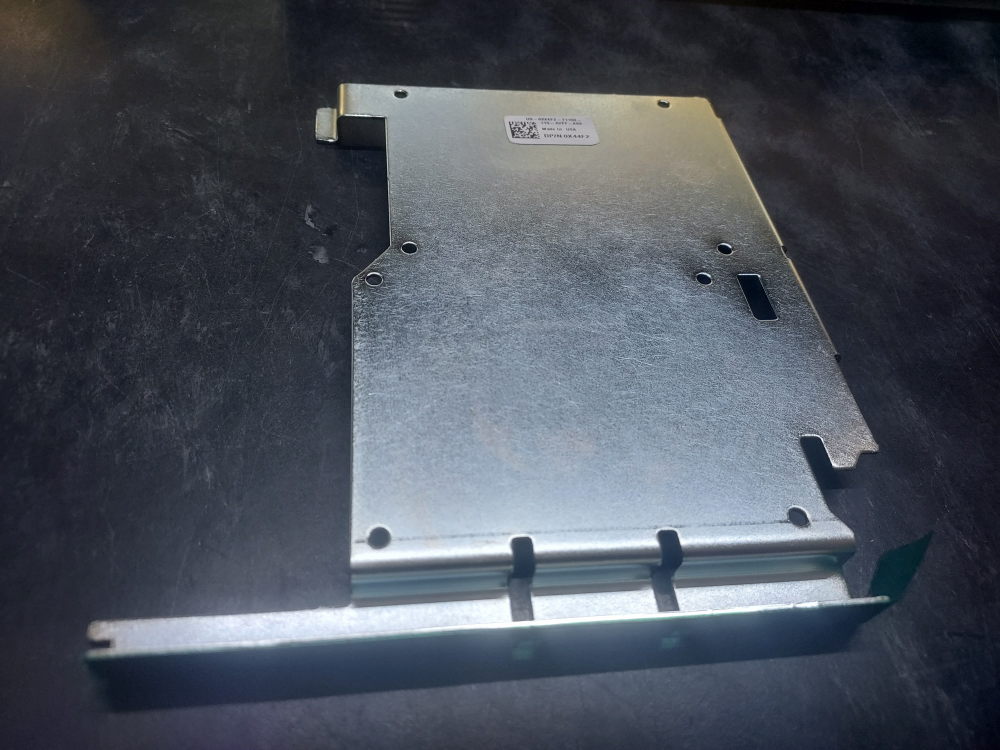
R430 SFF Internal Drive Tray 0X44F2
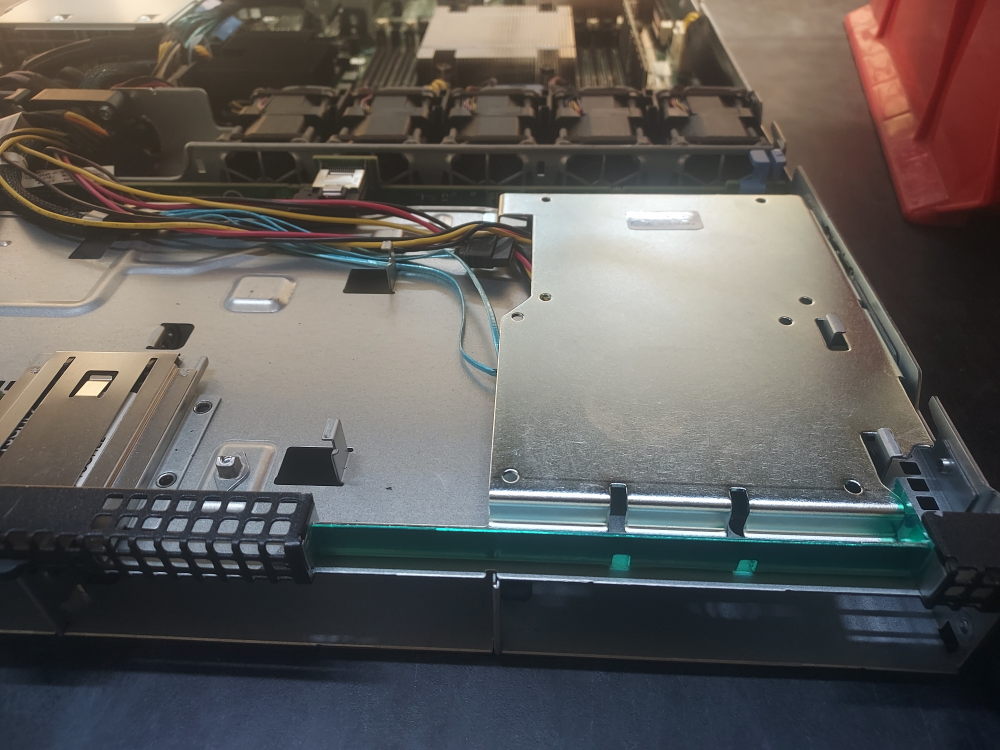
This tray installs on the inside of the PowerEdge R430. It can accept two 2.5″ SFF SATA drives. Be sure you also have the correct SATA and power cables.
Installation:
-
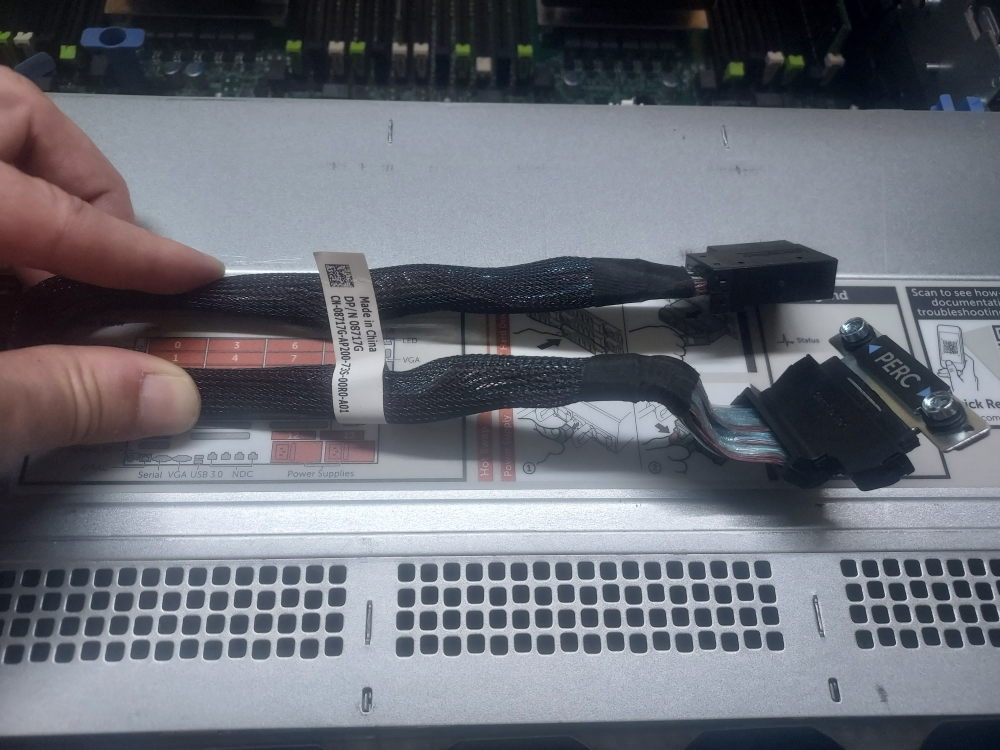
R730xd 12B PERC Cable 08717G
This cable connects the backplane to one of Dells mini mono RAID controllers on the R730xd 12 Bay chassis.
Installation instructions
Plug one end into the backplane and then route the cable through the channel located on the right side of the server. The other end labeled PERC will terminate near the middle right side of the chassis. You will see the slot just before riser 1. Screw it down to a compatible DELL mini RAID controller.