Perhaps you have an old dusty HP DL-360 G9 laying around with a few spare parts. Maybe everything but a RAID controller. Not to fear, in the absence of an actual hardware RAID controller you can enable the integrated B140i software controller in the BIOS.
Steps:
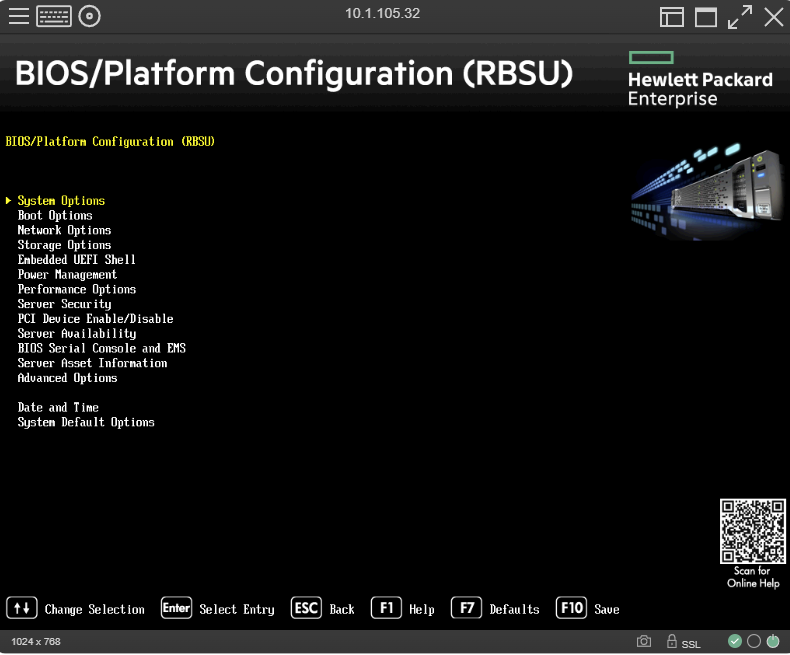
First F9 into the BIOS and select System Options:
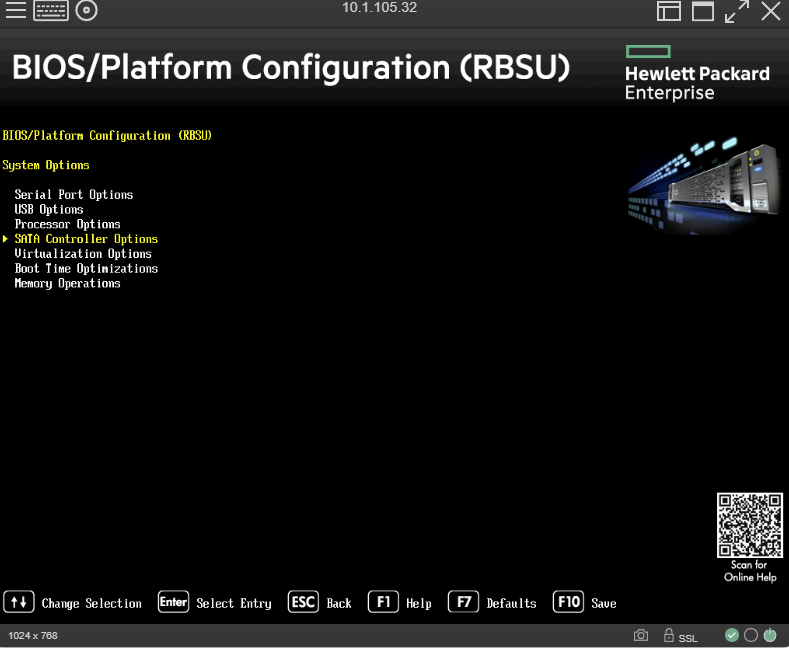
Next enter into SATA controller options:
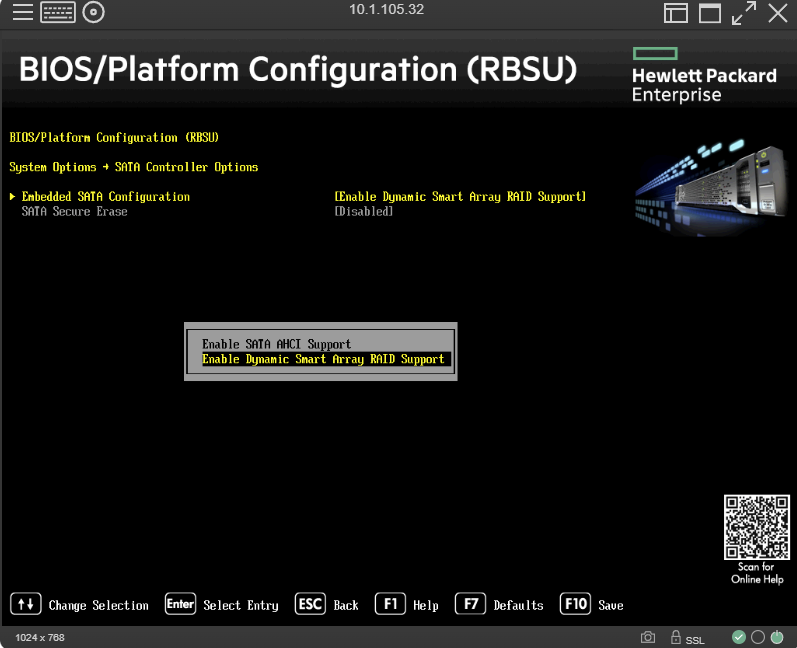
Enter into Embedded SATA Configuration and Enable Dynamic Smart Array Support.
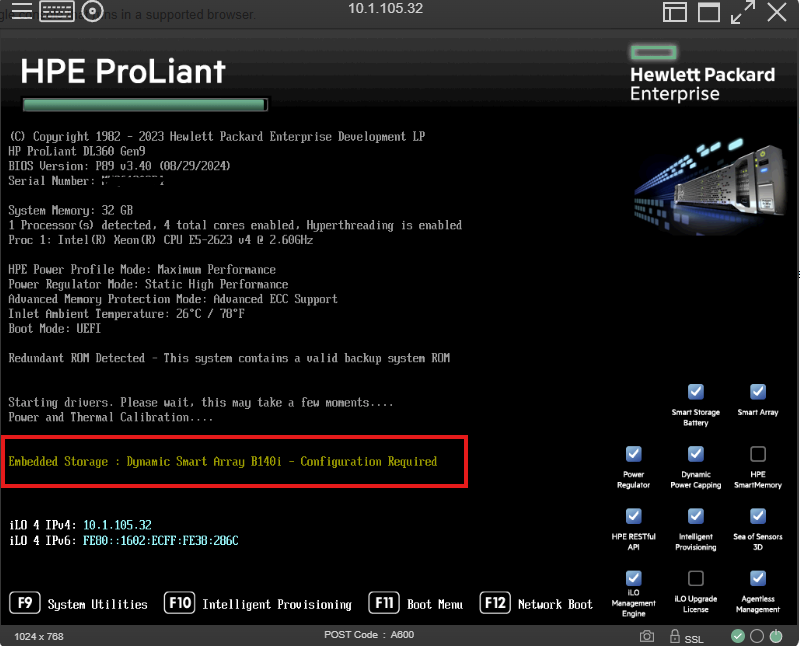
After reboot you’ll see the controller is now active:
Keep in mind this is a SATA controller. SAS/NVME will not be recognized. Instead of plugging the Mini SAS cables into a controller you will plug them straight into the motherboard.
Leave a Reply