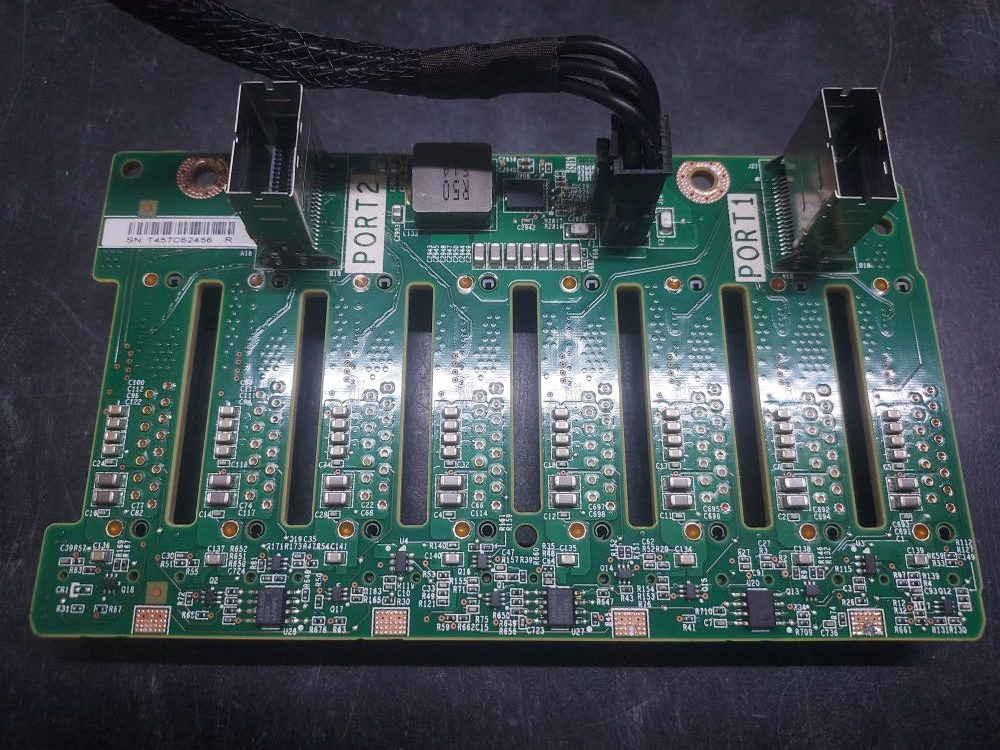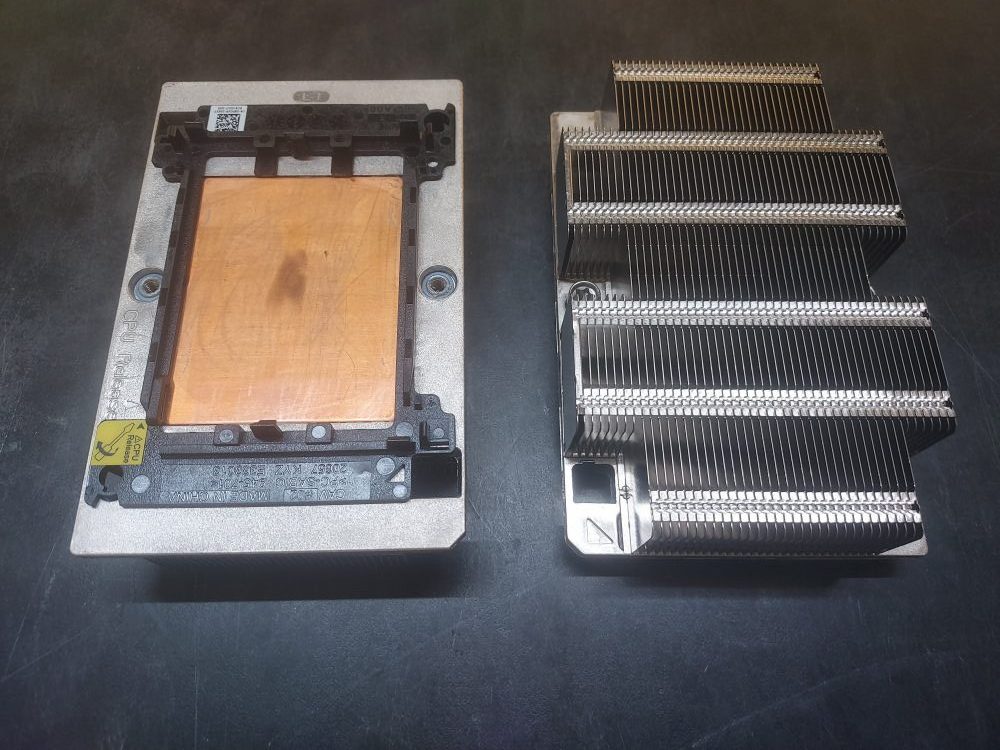
High performance 1U heatsink compatible with R640 and R740 Dell PowerEdge servers. Recommended if your processor TDP exceeds 125 Watts. Please Note that while compatible with the R740 and R740xd, these servers have a 2U high performance heatsink. It is recommended you use the 2U high performance heatsink instead.
Archives: Parts
-
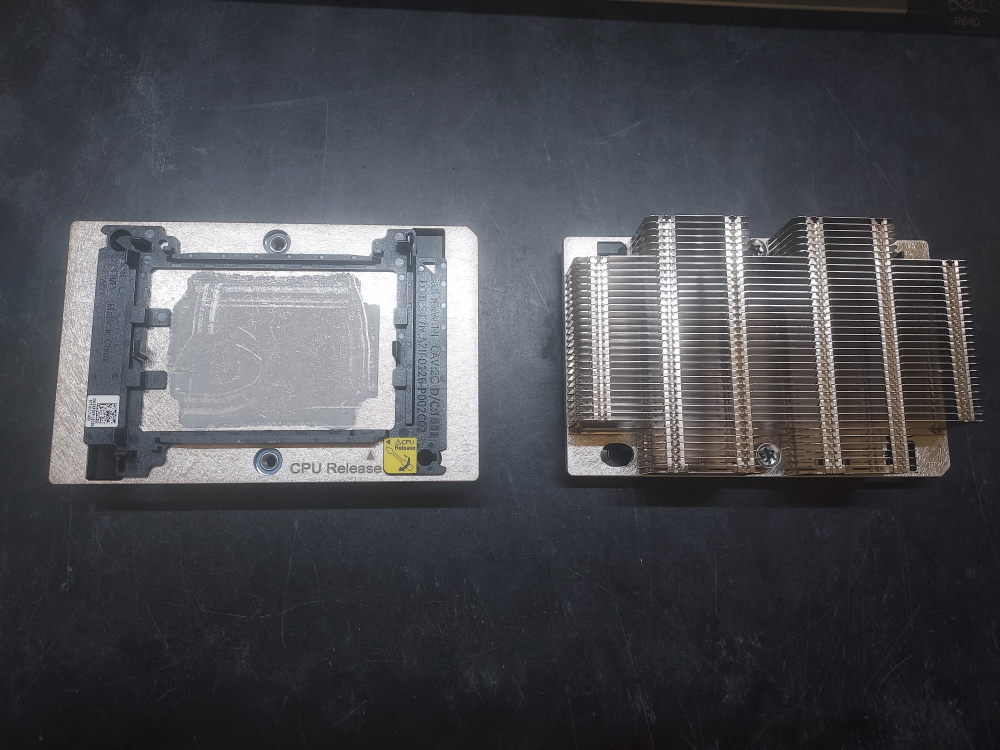
Standard 1U Heatsink 00F8NV
These are the 1U standard performance heatsinks compatible with R640 and R740 Dell PowerEdge servers.
-
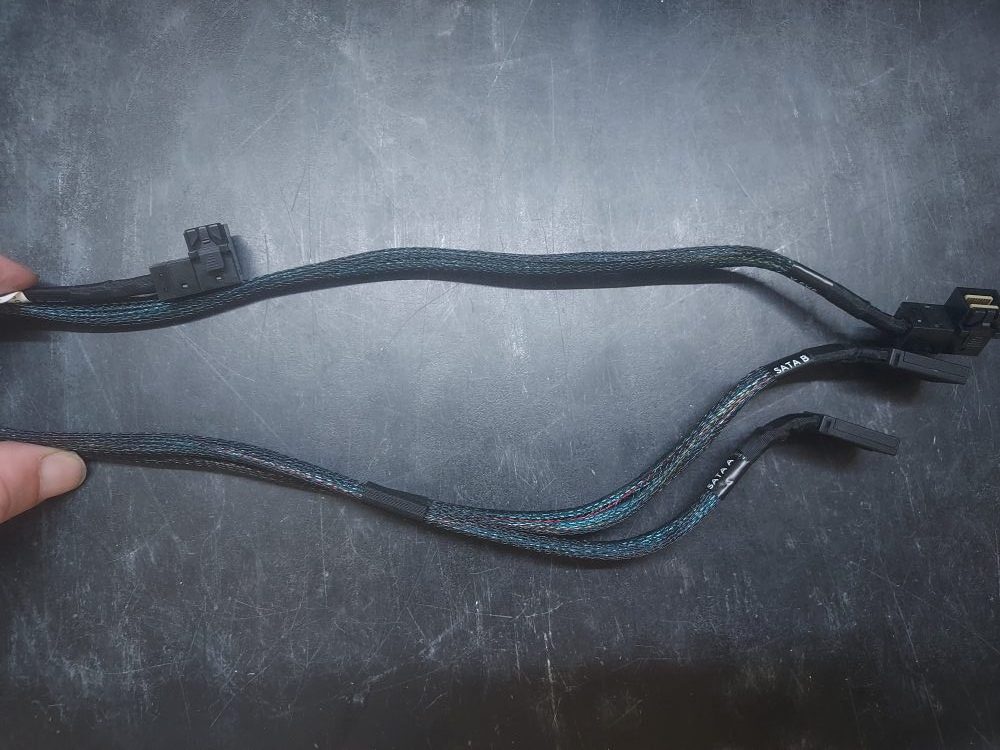
R740 8 Bay LFF Onboard SATA Cables 0JHVNC
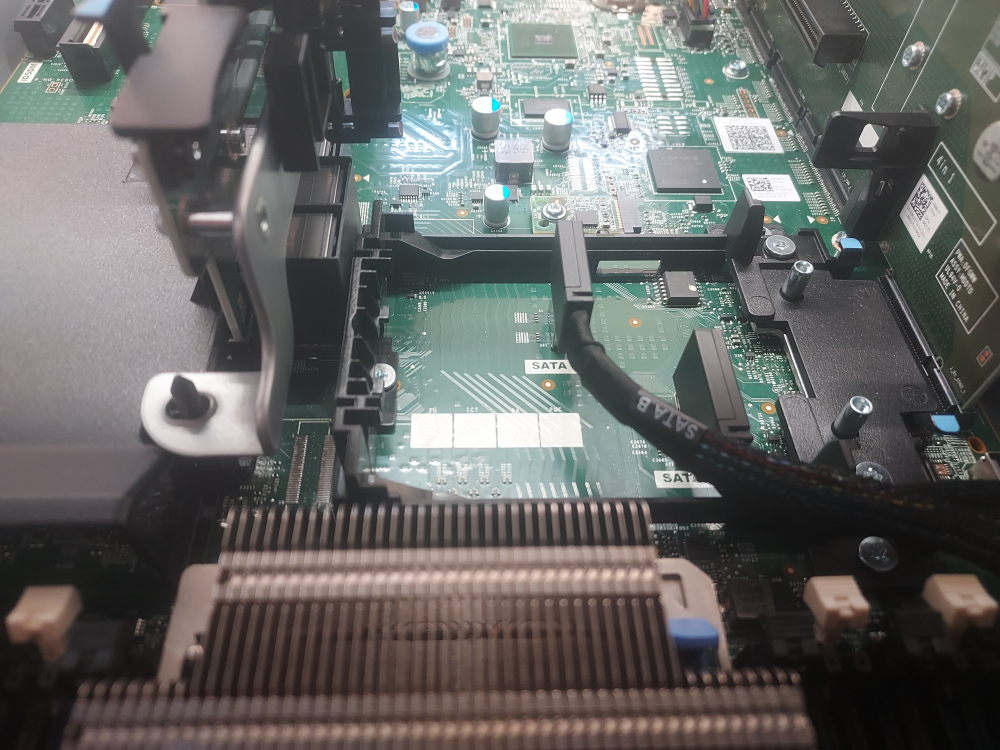
This is the cable to connect the backplane to the onboard SATA controller on the R740 8 Bay LFF chassis. Keep in mind you will only be able to use SATA drives with cables like this. If you want to use SAS drives you’ll need this cable (or a PERC cable) as well as a proper RAID/HBA controller.
Installation:
One end of the cable attaches to the backplane. The other end plugs into the onboard SATA ports located right where the PERC mini mono raid controller would install:
-
HP Smart Array Battery 878643-001
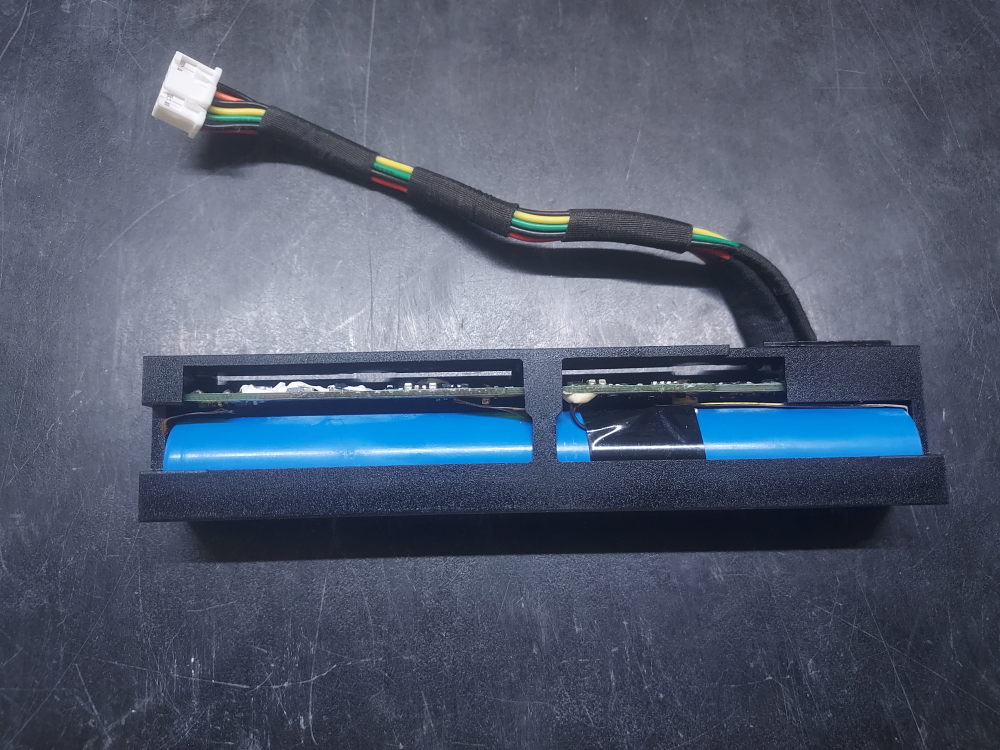
This is the battery for many HP Smart Array controllers. It is widely compatible in both G9 and G10 servers. Close to the backplane you’ll notice a small notch. This notch accepts the tab seen on the battery. It is then further held in usually by a blue clip. The wire connects straight to the motherboard. Functionally, this battery maintains the RAID cache in the event of power loss.
-
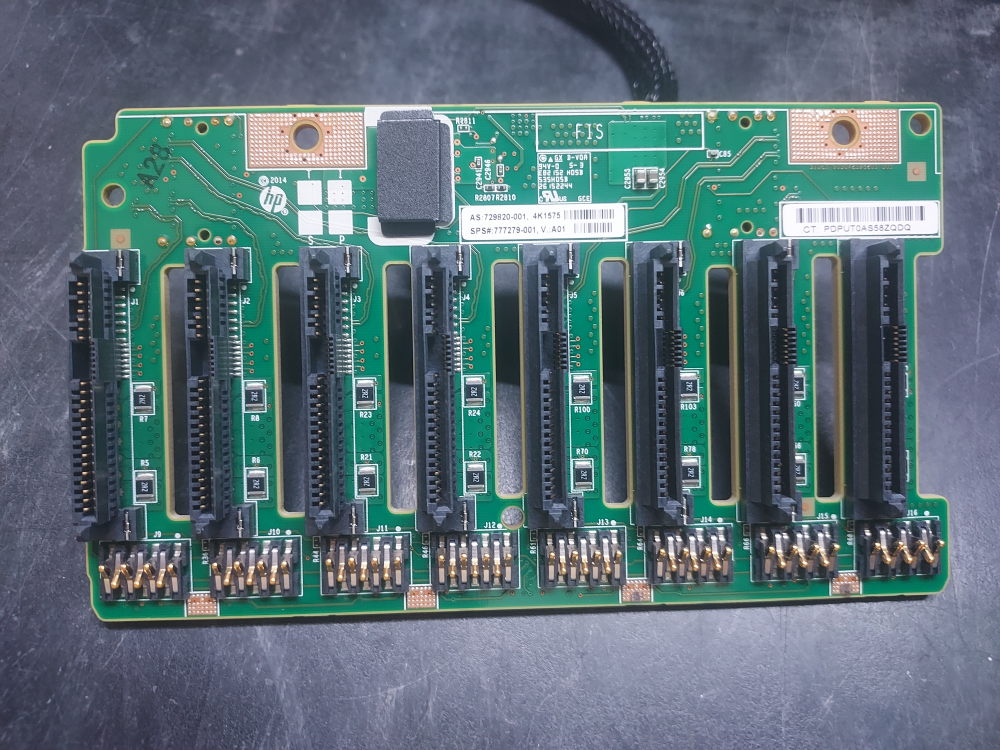
HP DL 380 G9 8 Bay Backplane 777279-001
This is the backplane for the HP DL 380 G9 8 bay server. It is attached to the chassis with 2 screws and connects to the motherboard with the following power cable.
Here is a picture of the other side: